On this page
extension
Backup and Restore
Transfer to a different computer.
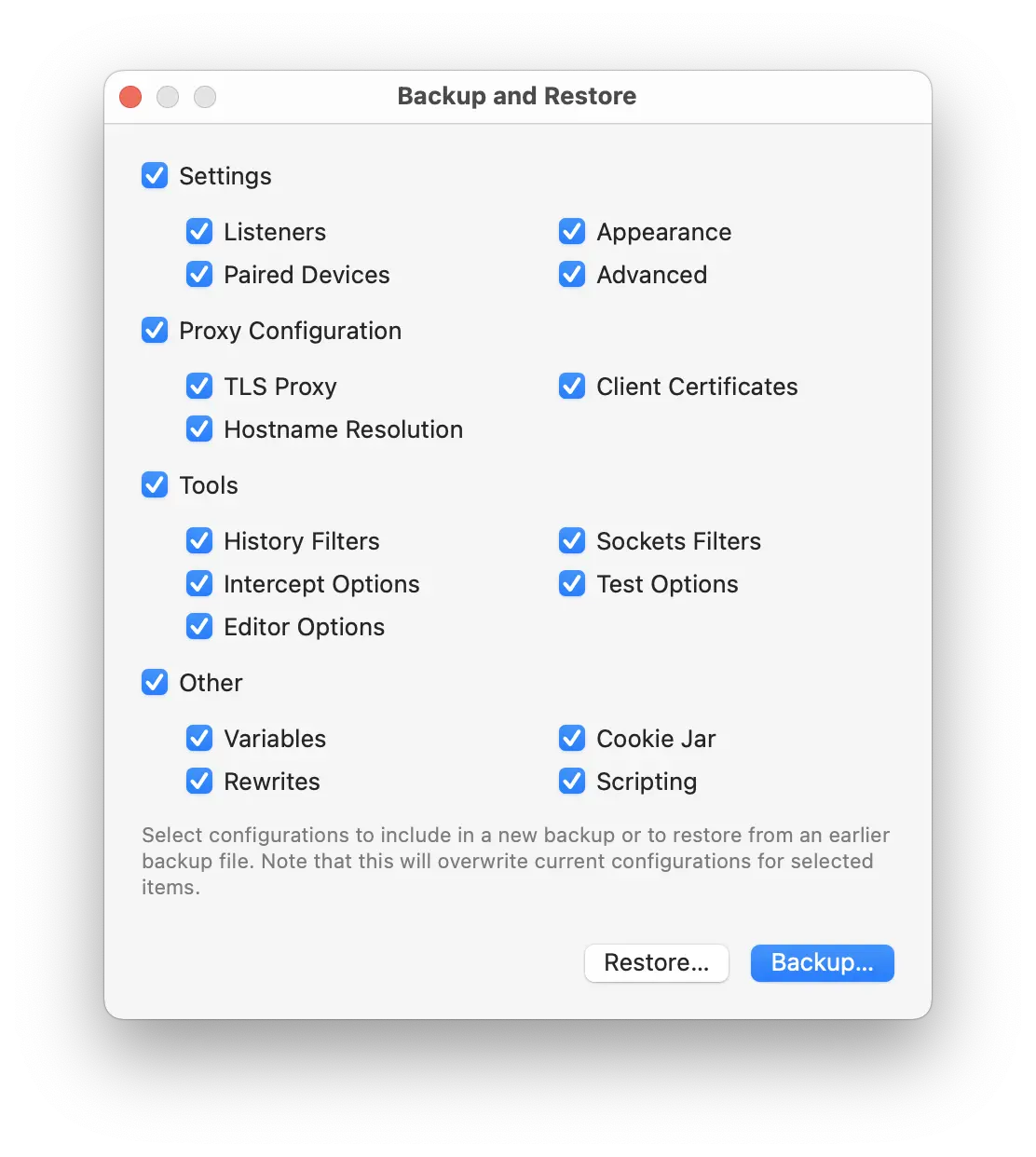
Back and Restore window lets you to save all configurations and settings of a Proxygen installation to a backup file and later restore them either on the same or a different computer.
- Select the app features that you want to include in the backup. Then click Backup to save them to a JSON file.
- Select the app features that you want to restore from an existing backup. Then click Restore to read the configurations from the backup file and apply them in Proxygen app.
Existing settings and configurations will be replaced with contents from the backup file. This action cannot be reverted.