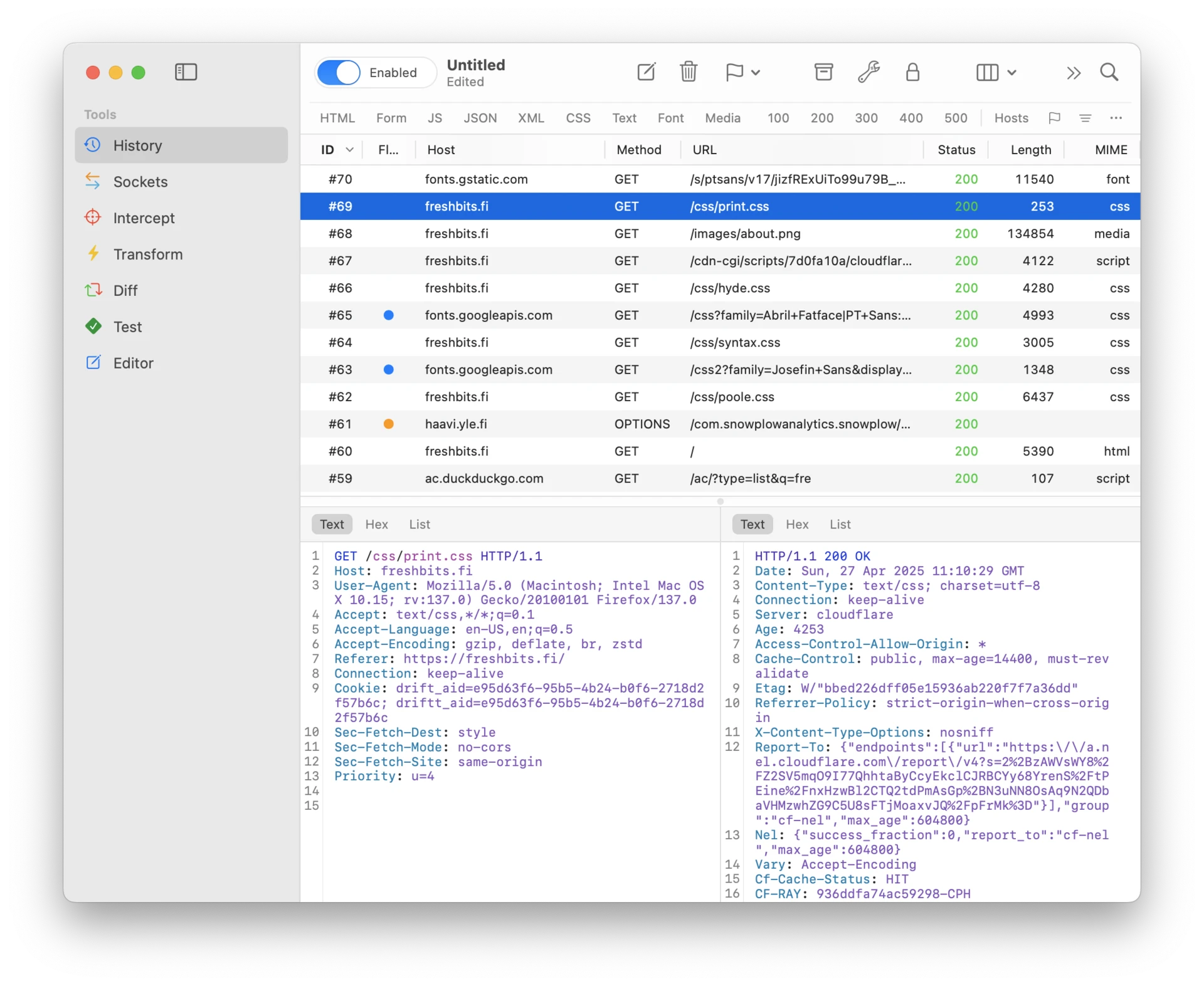
Capabilities
Everything you need to understand what's really happening inside your apps.
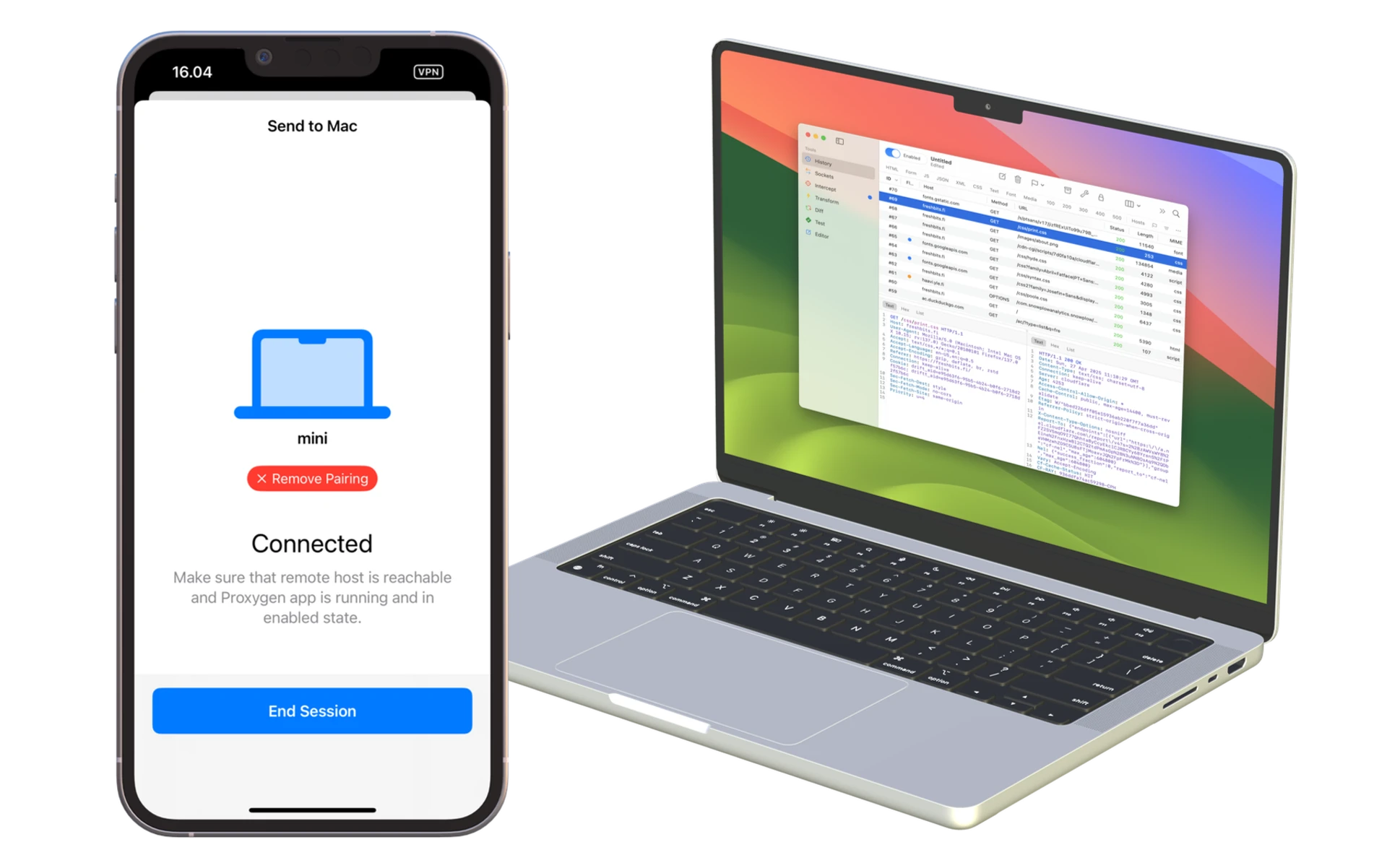
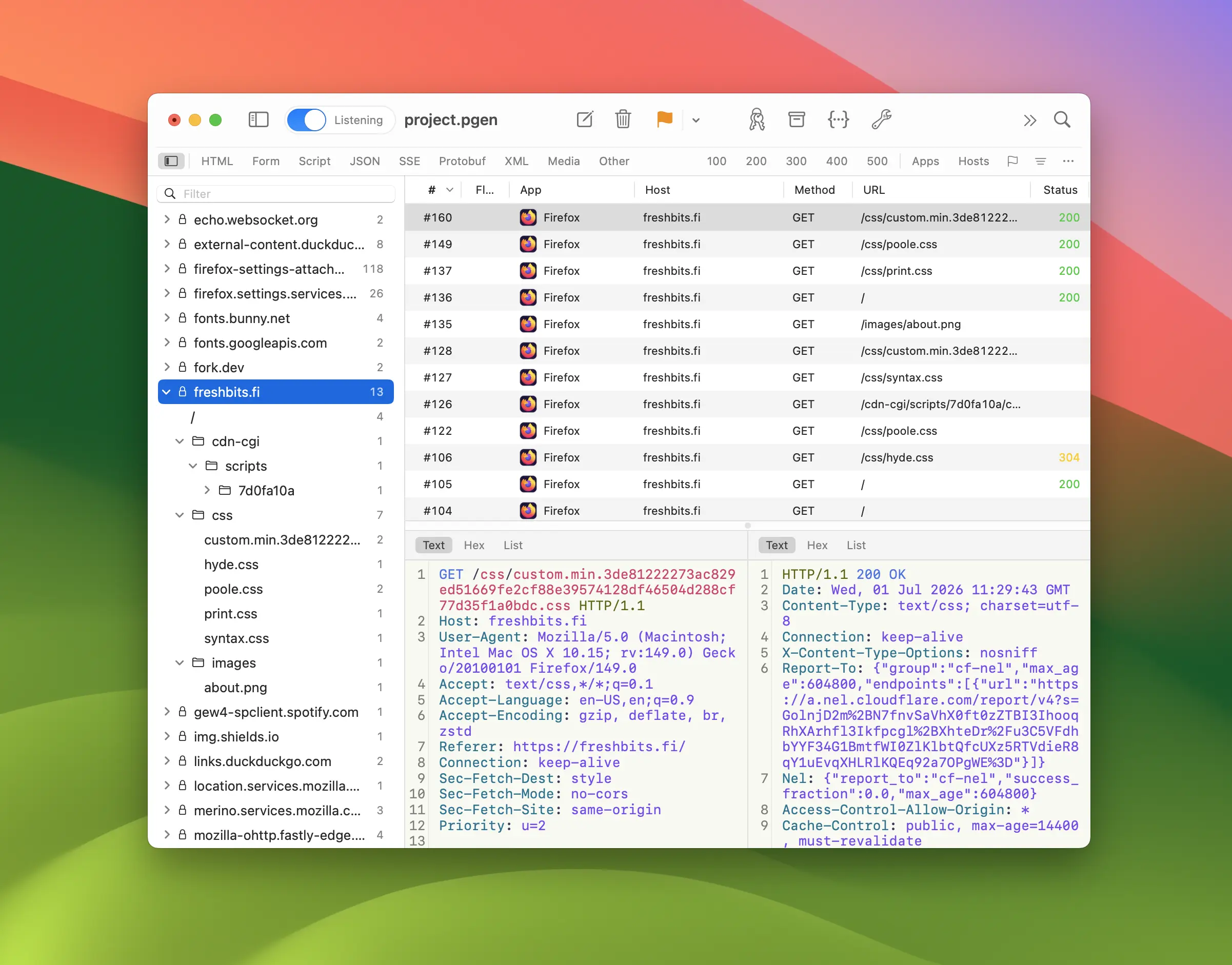
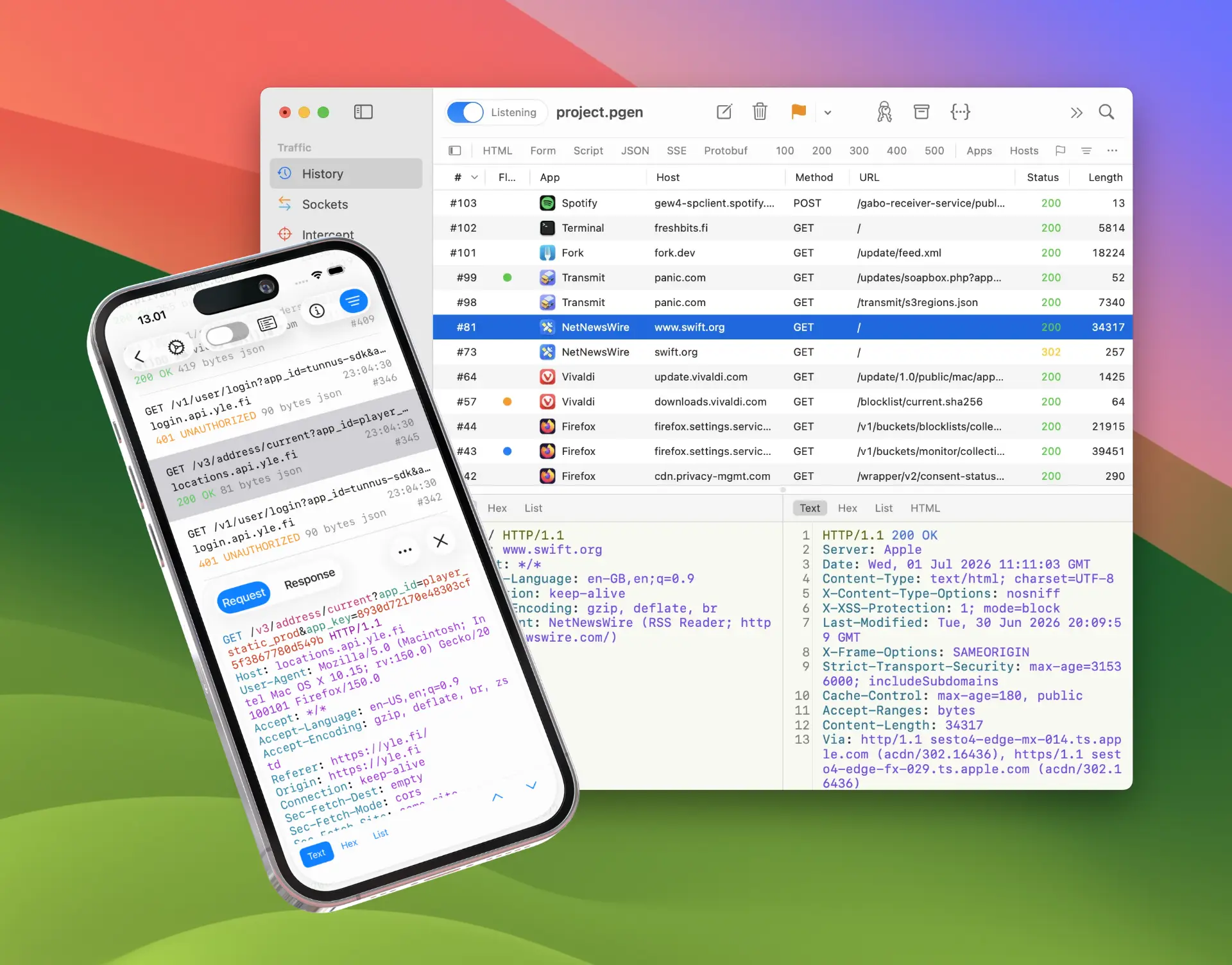
The fastest way to inspect HTTP traffic from your iPhone apps. Simply pair your Mac over the local network, then intercept and edit messages on the fly. No more configuring Wi-Fi proxy settings or installing trusted certificates.
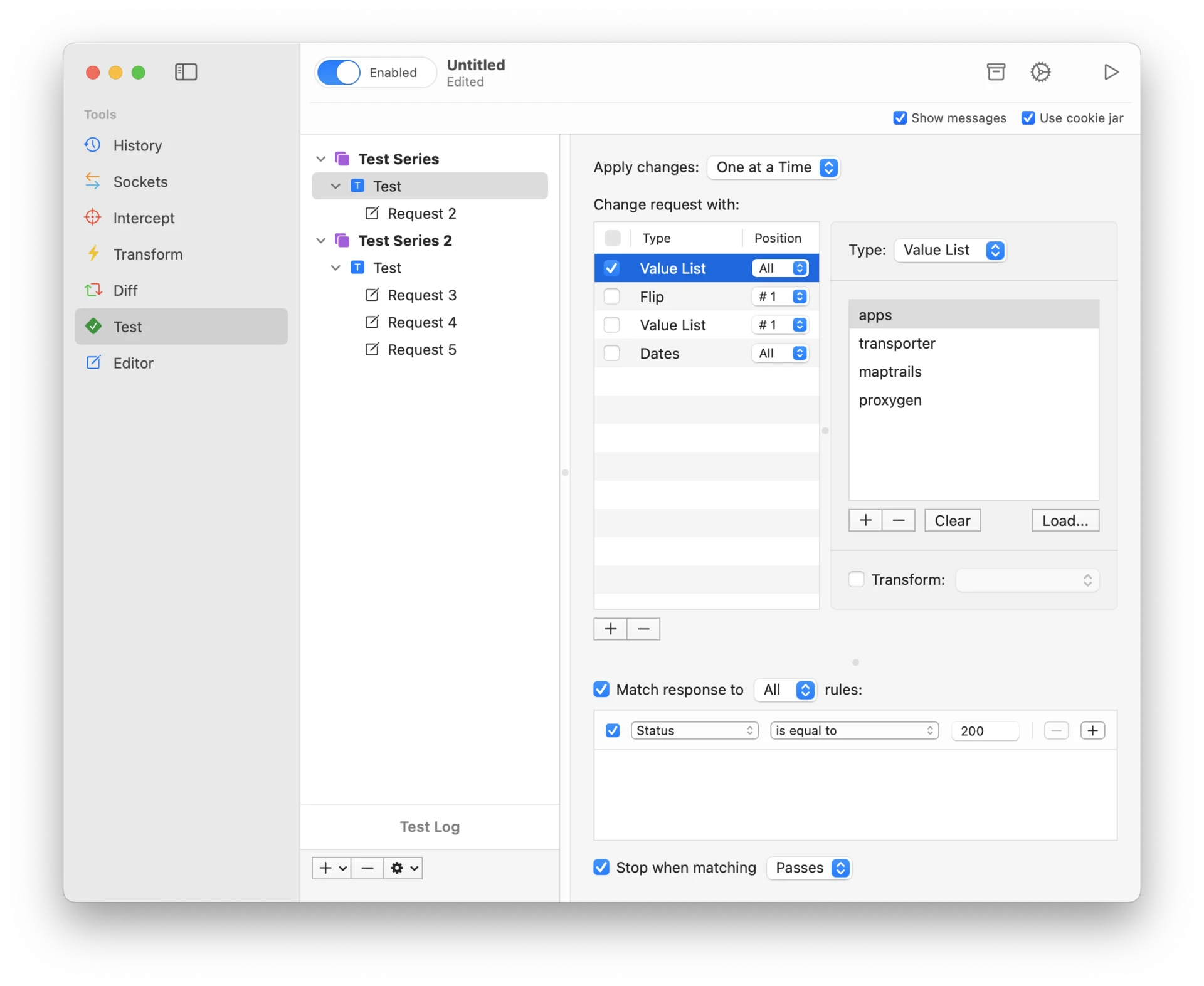
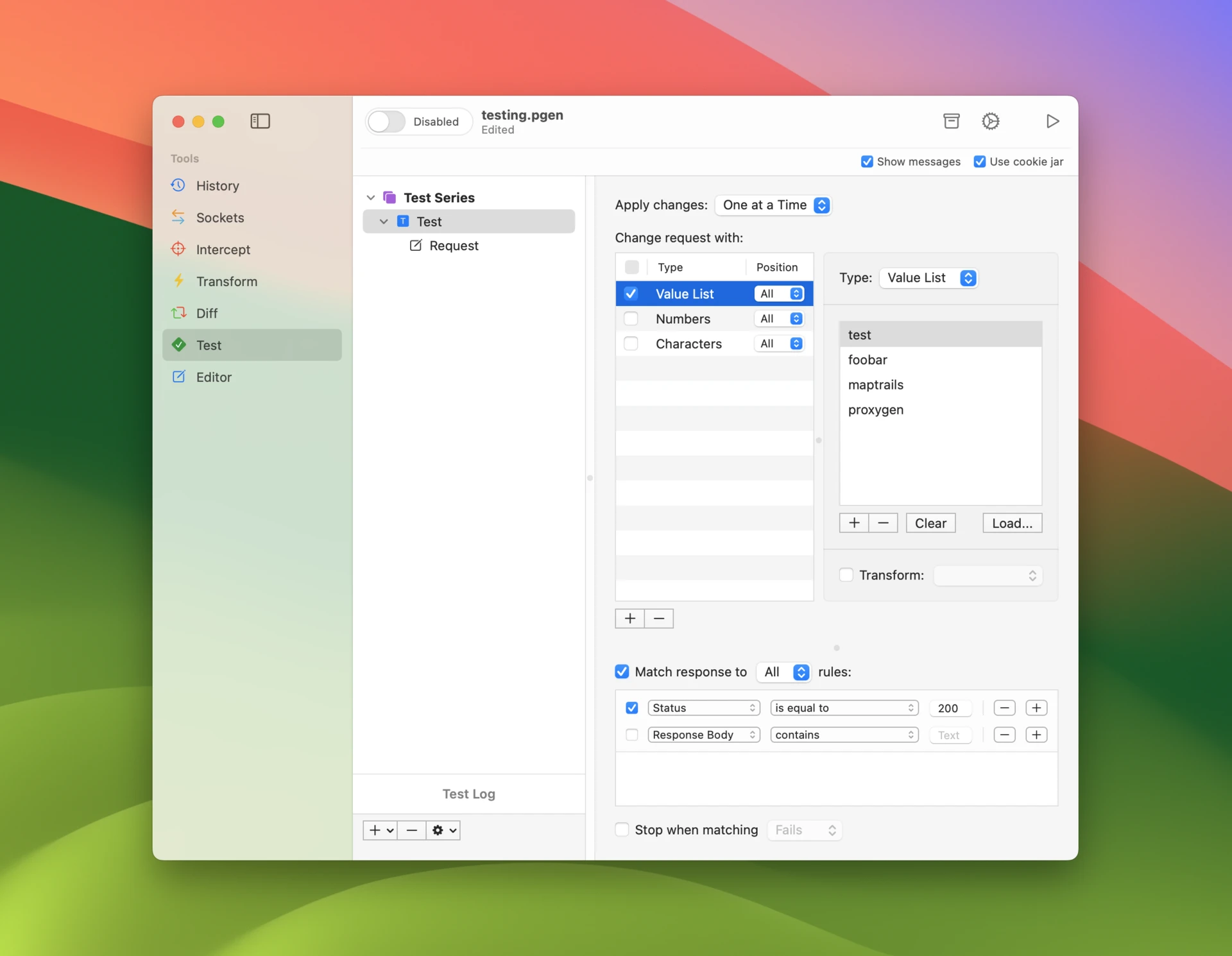
Modify requests by replacing placeholders with test payloads. Insert numbers, dates, or character combinations. Flip bits and bytes to test edge cases. Run tests with the power of parallel worker threads for maximum efficiency.
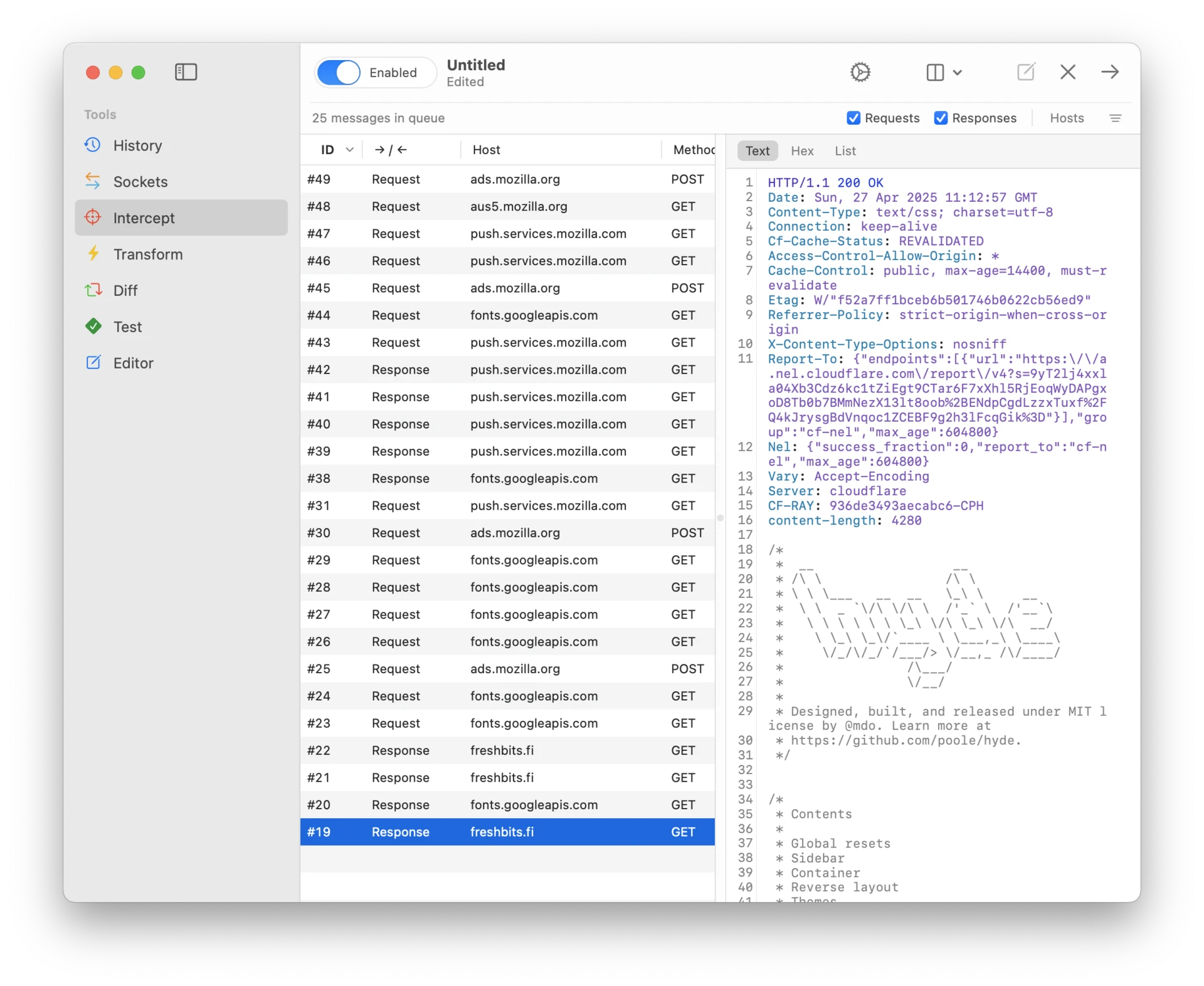
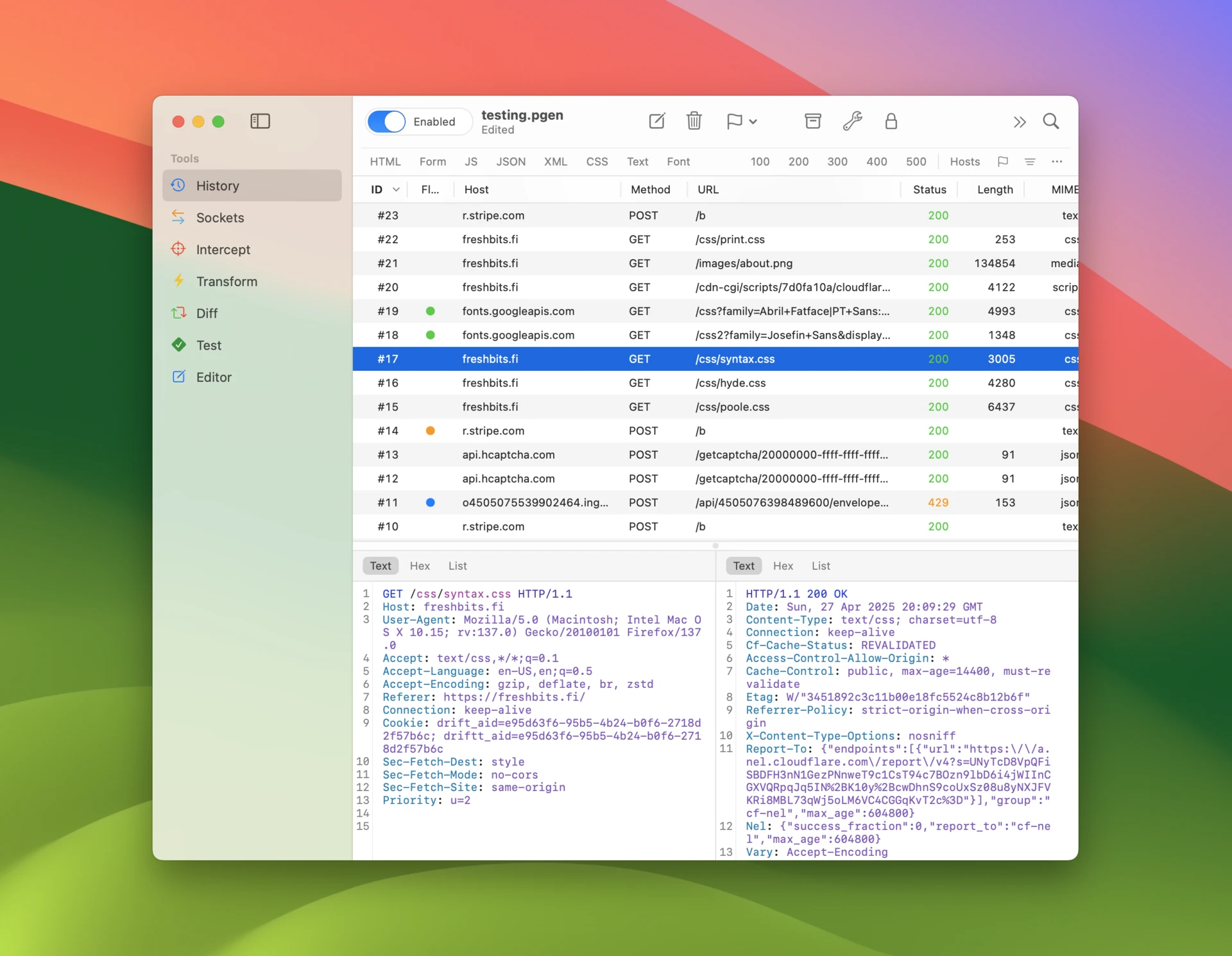
Catch HTTP requests and responses in real-time and edit their contents before they reach their destination. All intercepted messages appear in a manageable queue that you can process in any order you choose.
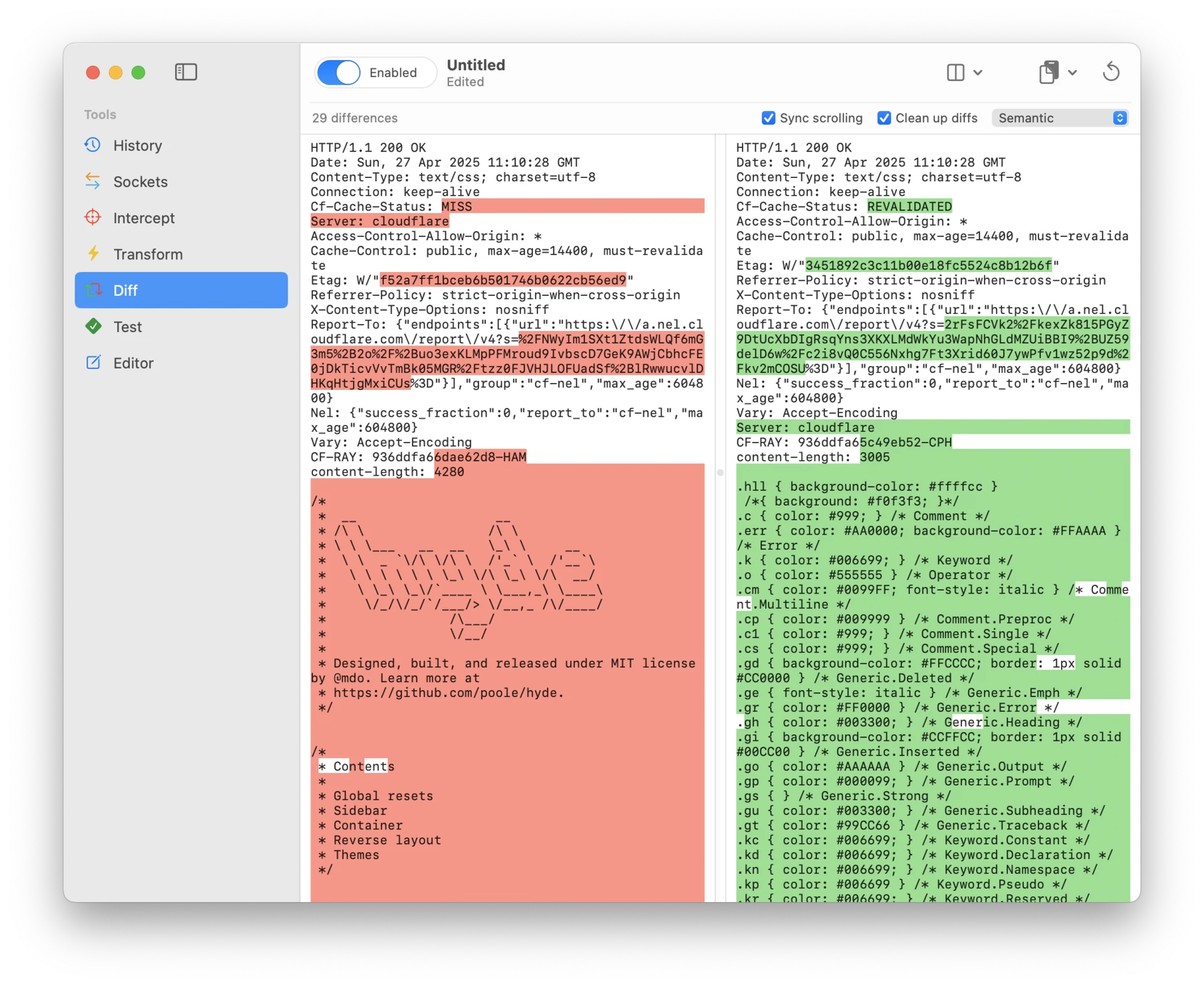
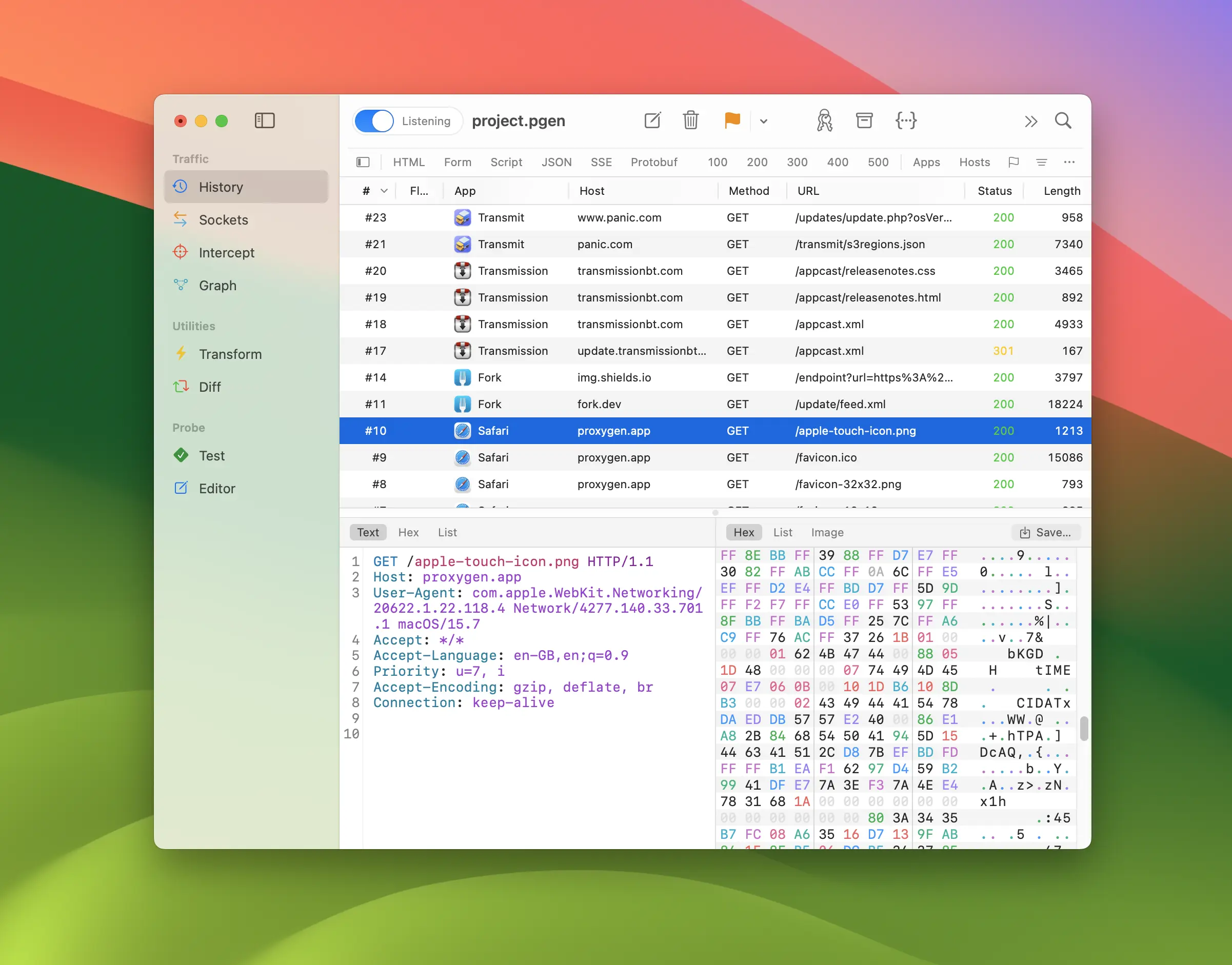
Compare any two HTTP requests or responses to find exactly what changed. The diff tool efficiently handles both text content and binary data, making it easy to spot differences in headers, payloads, and file content.
Everything you need
Pricing
Own it forever. License keys are yours to keep and transfer.
Personal
Personal License
2 Mac activations
Team
Team License
20 Mac activations
Mobile
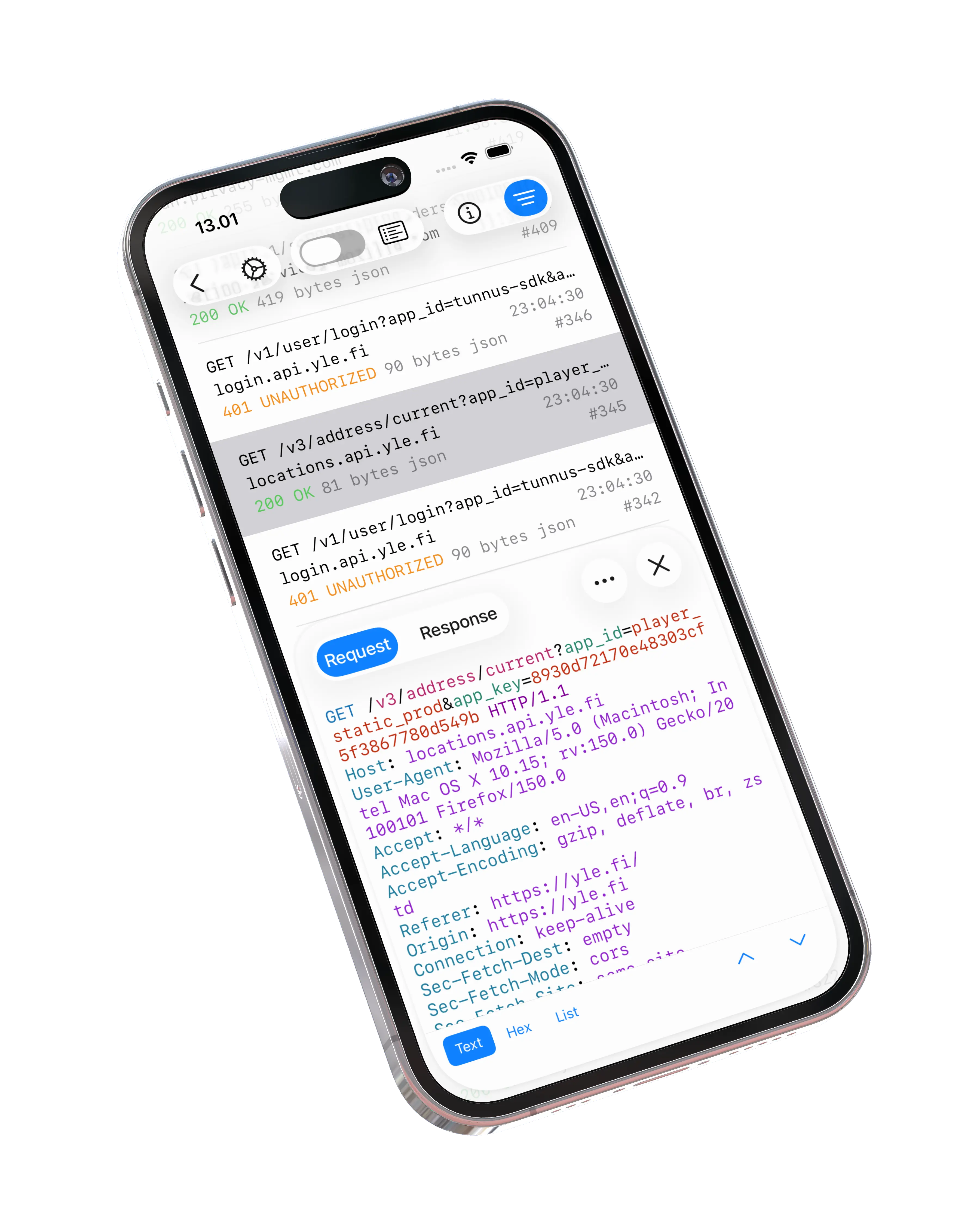
Take your debugging toolkit on the go. Proxygen for iOS brings the HTTP history, WebSocket and SSE inspection, message editor, transform tools and automated API testing to your iPhone. All carefully optimized for the smaller screen.

Articles
Guides, tips and stories about debugging HTTP traffic with Proxygen.
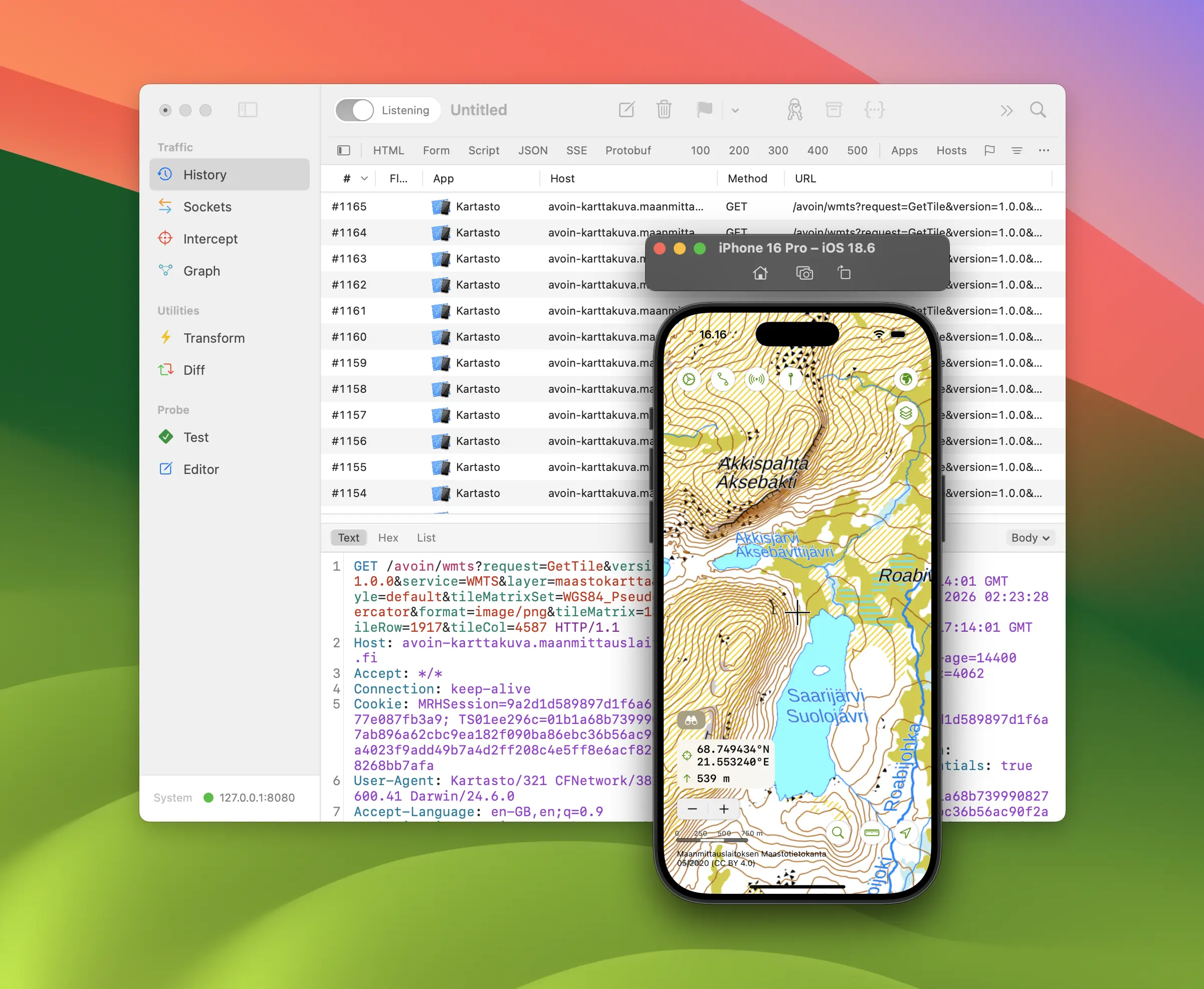
See every request your app makes in the iOS Simulator. Set it up to trust Proxygen with just a few clicks.
Every Charles tool you rely on — Map Local, Map Remote, Breakpoints, Rewrite — in a native Mac and iOS app with a one-time license, not a yearly one.
Capture and decrypt HTTPS traffic right on your iPhone or iPad. Proxygen brings a mitmproxy-style workflow to iOS as a native app — no computer required.
Debug HTTPS traffic on Mac, iPhone and iPad with a native Swift app you buy once. Here is how Proxygen compares to Proxyman, feature by feature.
Fiddler never properly came to the Mac. Proxygen is a native replacement with AutoResponder, Composer and Breakpoints equivalents, bought once.
Read HTTPS as requests and responses instead of packets, with no SSLKEYLOGFILE setup — and export TLS key logs back to Wireshark when you need them.

Capture and decrypt your iPhone’s HTTPS traffic on the device itself — no computer, no Wi-Fi proxy settings, no jailbreak. A step-by-step guide.
FAQ
Automatic client app lookup is prevented by security sandbox restrictions. All apps distributed through Apple's App Store are required to use sandboxing.
Similarly, automatic configuration of macOS system proxy settings using a helper tool and automated installation of Proxygen CA certificate to login keychain and iOS Simulators are not possible from sandboxed apps.
If you rely on any of these features make sure to use the direct download version.
Proxygen runs on Mac, iPhone, and iPad, providing a seamless debugging experience across Apple devices. All apps use the same document format, so you can AirDrop files from your iPhone to your Mac and continue working exactly where you left off.
The Mac app includes Proxygen's complete feature set.
When you purchase directly from this website, you receive a license code that activates the Mac app. Due to current App Store guidelines, it's not possible to unlock full iOS app functionality using an external license key. However, you can still use Send to Mac if either the iOS or Mac app is unlocked.
Proxygen offers a free download that lets you try the app before purchasing. Various features are limited in the trial version, but they give you a good sense of how the app works.
The trial version has no time limit, but if you find yourself using the app regularly, you should purchase a license.
Proxygen includes TLS MitM support using a locally generated certificate authority, which lets you inspect encrypted traffic securely. Each Proxygen installation creates its own unique CA certificate on first launch. No other Proxygen installation can decrypt traffic from your device.
The iOS app uses a Packet Tunnel Provider network extension (commonly known as a VPN extension) to run a local HTTPS proxy. The VPN extension's sole purpose is to run the proxy while the Proxygen app is suspended in the background. The proxy stores HTTP messages in a local cache until Proxygen becomes active again.
The iOS app guides you through installing the VPN extension and trusting a locally generated CA certificate. This allows the iOS device to trust HTTPS connections terminated by the local TLS MitM proxy, enabling it to decrypt and inspect the traffic.