Proxygen is a Proxyman alternative for Mac, iPhone and iPad that captures and decrypts HTTPS traffic, sold as a one-time purchase. It is a native HTTP debugging proxy built on a TLS manipulator-in-the-middle. Below, familiar Proxyman features are mapped to their Proxygen equivalents, with what Proxygen adds and how the pricing compares.
The everyday workflow
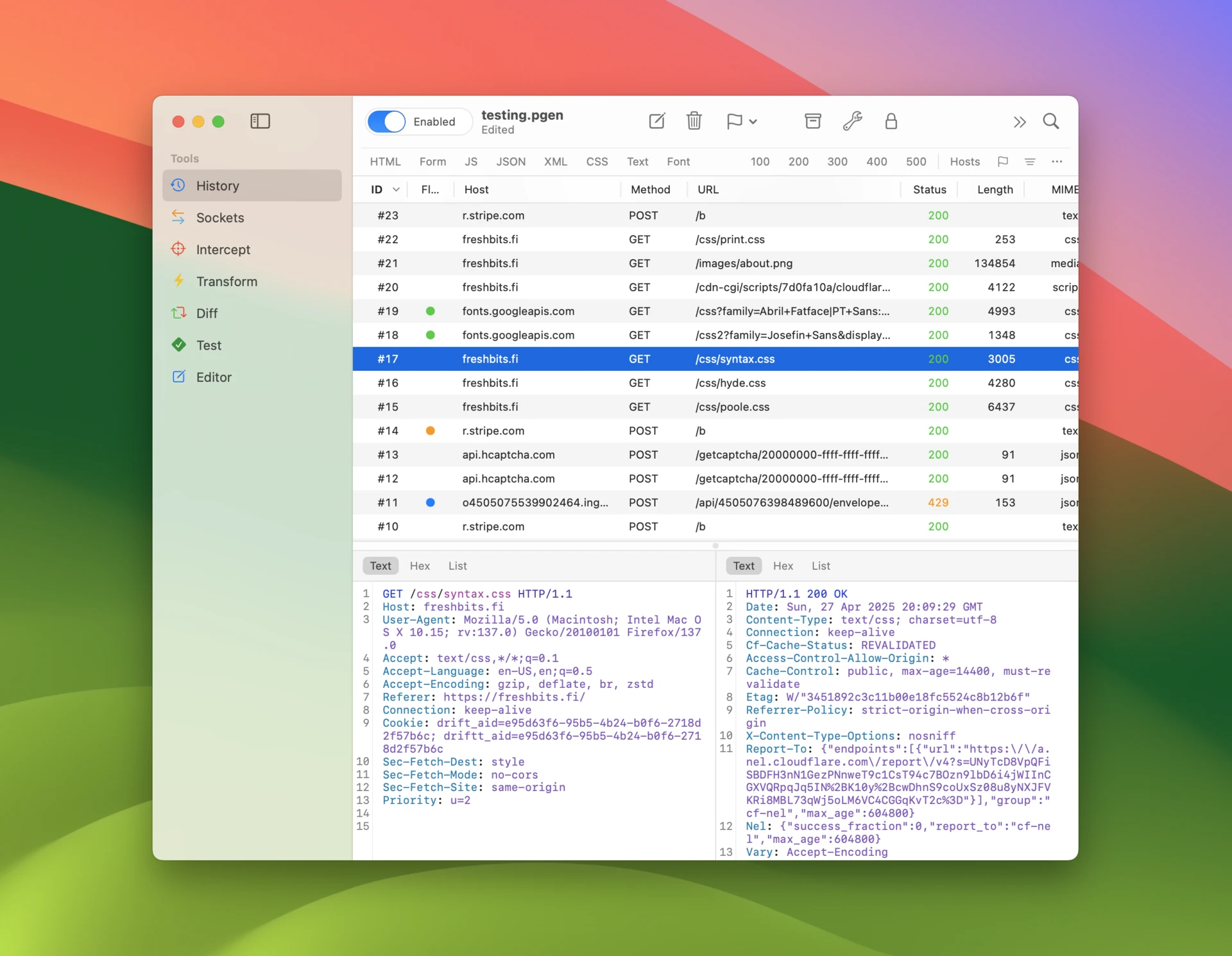
A typical session in Proxygen starts in the History tool. You start traffic capture, watch HTTP requests and API calls arrive as your app runs, and narrow the list down with filter rules and flags until you find the request you care about. From there you can stop the next one on the wire with Intercept, or copy it into the Editor tool to modify and replay it against the server.
If you are coming from Proxyman, most features have a direct equivalent:
| In Proxyman | In Proxygen |
|---|---|
| Breakpoints | Intercept — a queue that shows all captured requests and responses at once, so you can edit, forward or drop them in any order |
| Map Local | Rewrites with the Respond action — answer matching requests with a custom response without contacting the server |
| Map Remote | Rewrites with the Target override — redirect matching requests to another host, port or scheme |
| Block List | Rewrites with the Drop action |
| Scripting | Scripting — JavaScript onRequest and onResponse callbacks with per-host and per-URI matching |
| Compose / Repeat | Editor — build, edit and replay requests, with full message history |
| Diff | Diff — compare any two requests or responses side by side |
| WebSocket debug | Sockets — a dedicated tool for WebSocket and SSE channels and messages |
| Saved sessions | PGEN project documents — supported in iOS and Mac apps |
Open existing session files
Proxygen opens Proxyman session files (.proxymansessionv2) directly, so you can continue working with sessions you have already saved. It also imports and exports these file formats:
- HTTP Archive (.har) files used by web browser developer tools and many other apps
- Charles Session (.chlz) and Charles JSON Summary (.chlsj) files used by Charles Proxy
- Mitmproxy Dump (.mitm) files used by mitmproxy
The details are covered in Import and Export.

See connections in your traffic
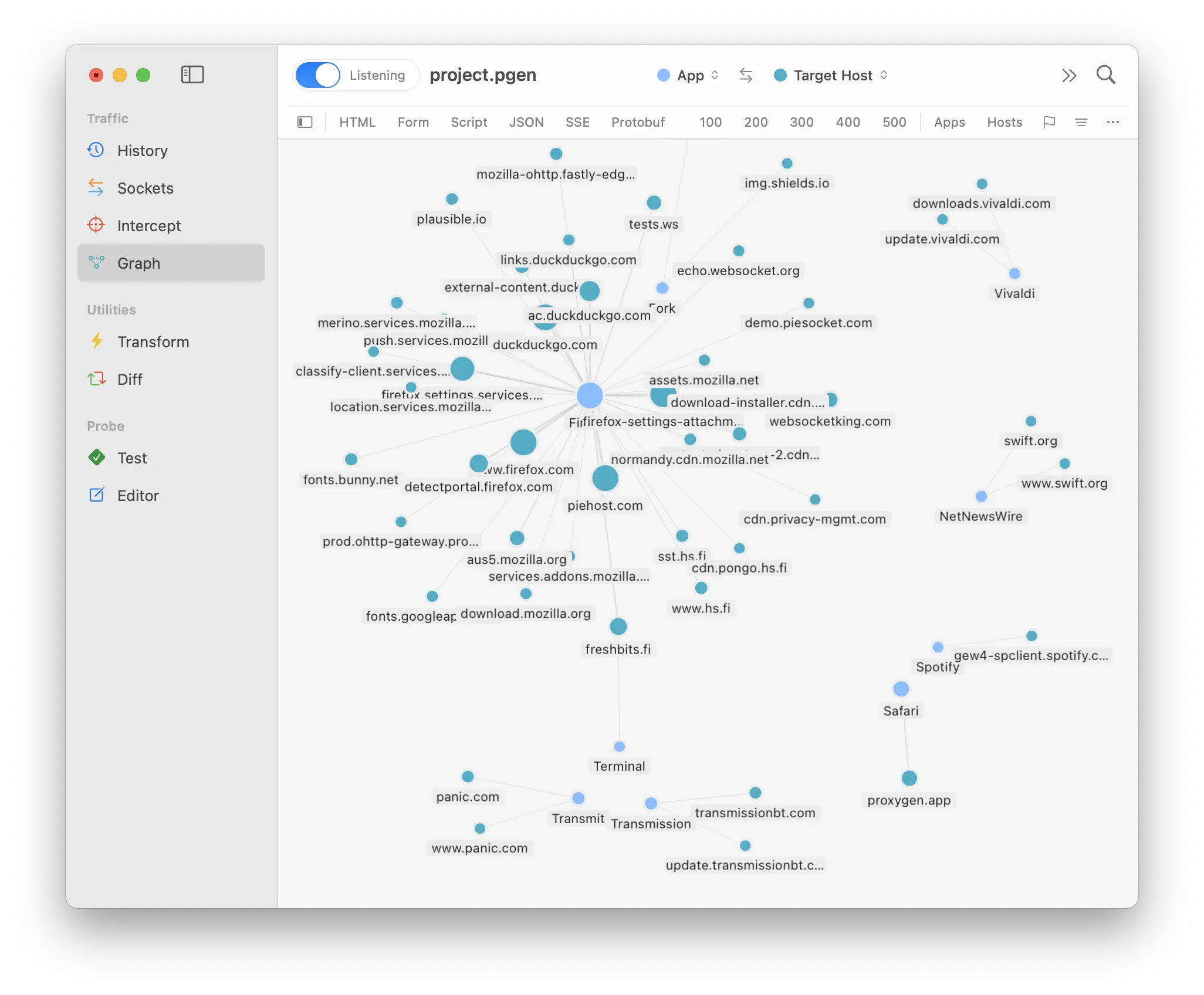
The Graph tool draws captured traffic as a map of hosts, apps and network connections. Relationships that are hard to spot in a flat request list — which third-party services an app talks to, or how traffic is distributed across hosts — become visible at a glance.
Test API endpoints
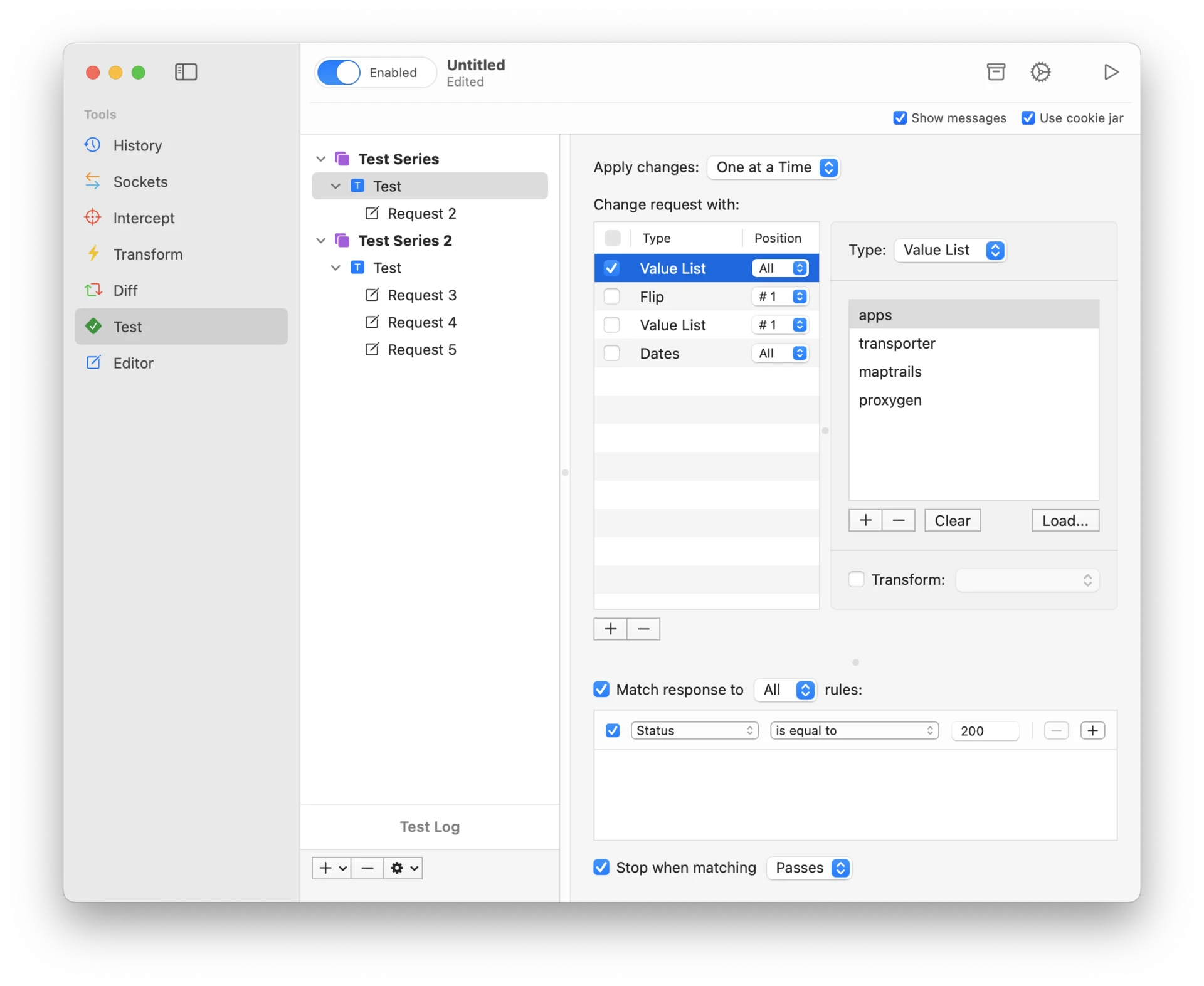
The Test tool lets you build collections of requests and run them against your API without leaving the app. Each request can have scripts, assertions on the response, and variable extraction that feeds values from one response into the next request.
Two supporting features tie into this:
- Variables store values such as tokens, IDs and hostnames, organized into switchable environments, and can be referenced anywhere with
{{name}}placeholders. - Authentication attaches credentials to matching outgoing requests automatically, so you do not need to refresh tokens by hand while debugging.
Decode request and response data
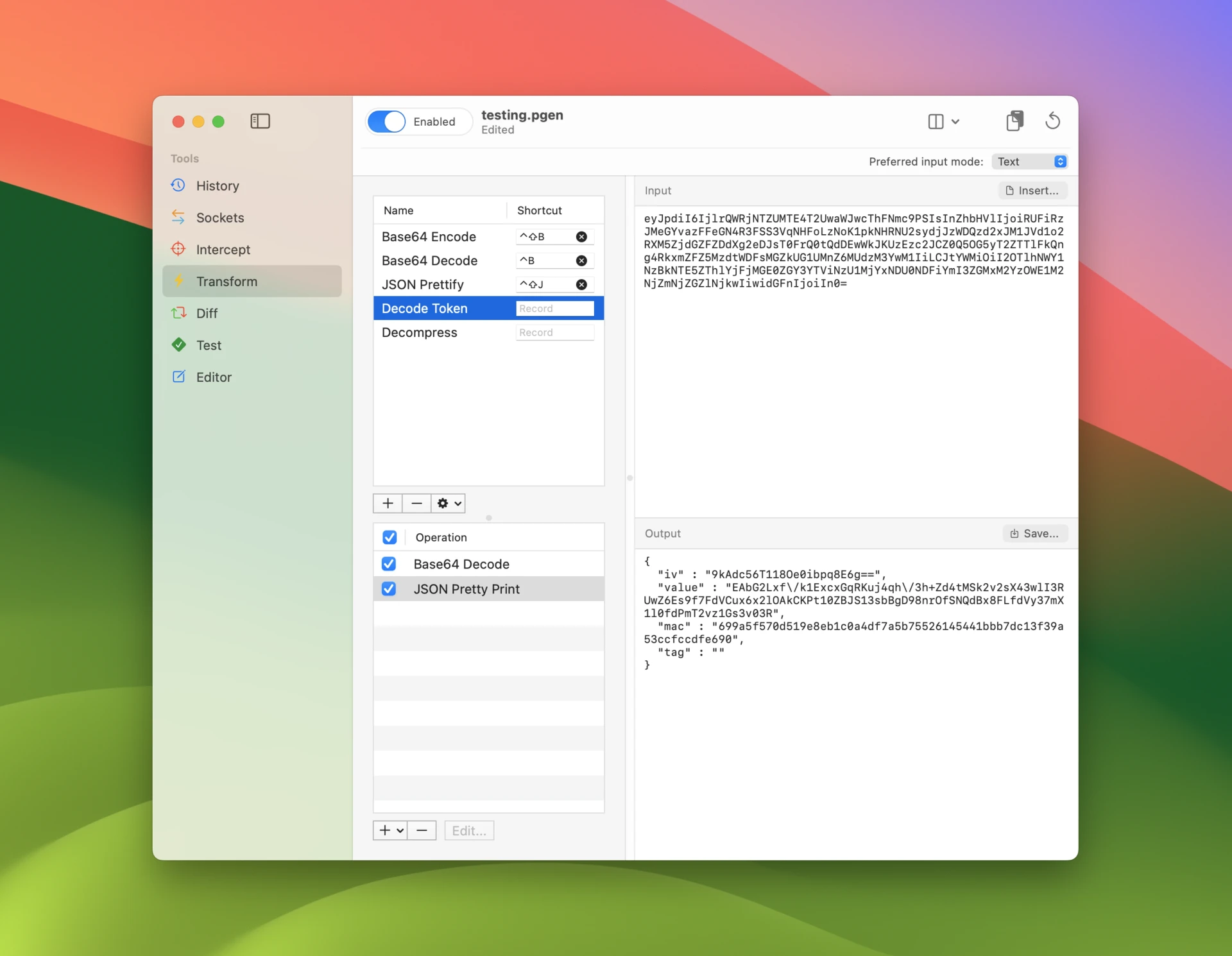
The Transform tool is a data workbench built into the app. You chain operations — encodings, hashing, encryption, compression, protobuf and other binary decoders — into recipes and apply them to data straight from a captured message, much like CyberChef but built into the proxy.
Auto decode detects and unwraps layered encodings on its own, so a Base64-wrapped, gzipped JSON payload opens in one step.
Debug iPhone and iPad traffic
Proxygen’s iOS app is a full traffic capture tool in its own right. The proxy runs in the background while you use the app you are debugging, and captured traffic lands in the same tools you know from the Mac app — History, Sockets, Editor, Transform and Test. A bug can be tracked down and resolved on the go, entirely on the iPhone where the app runs — the setup takes a few minutes, walked through in How to Inspect HTTPS Traffic on iPhone.
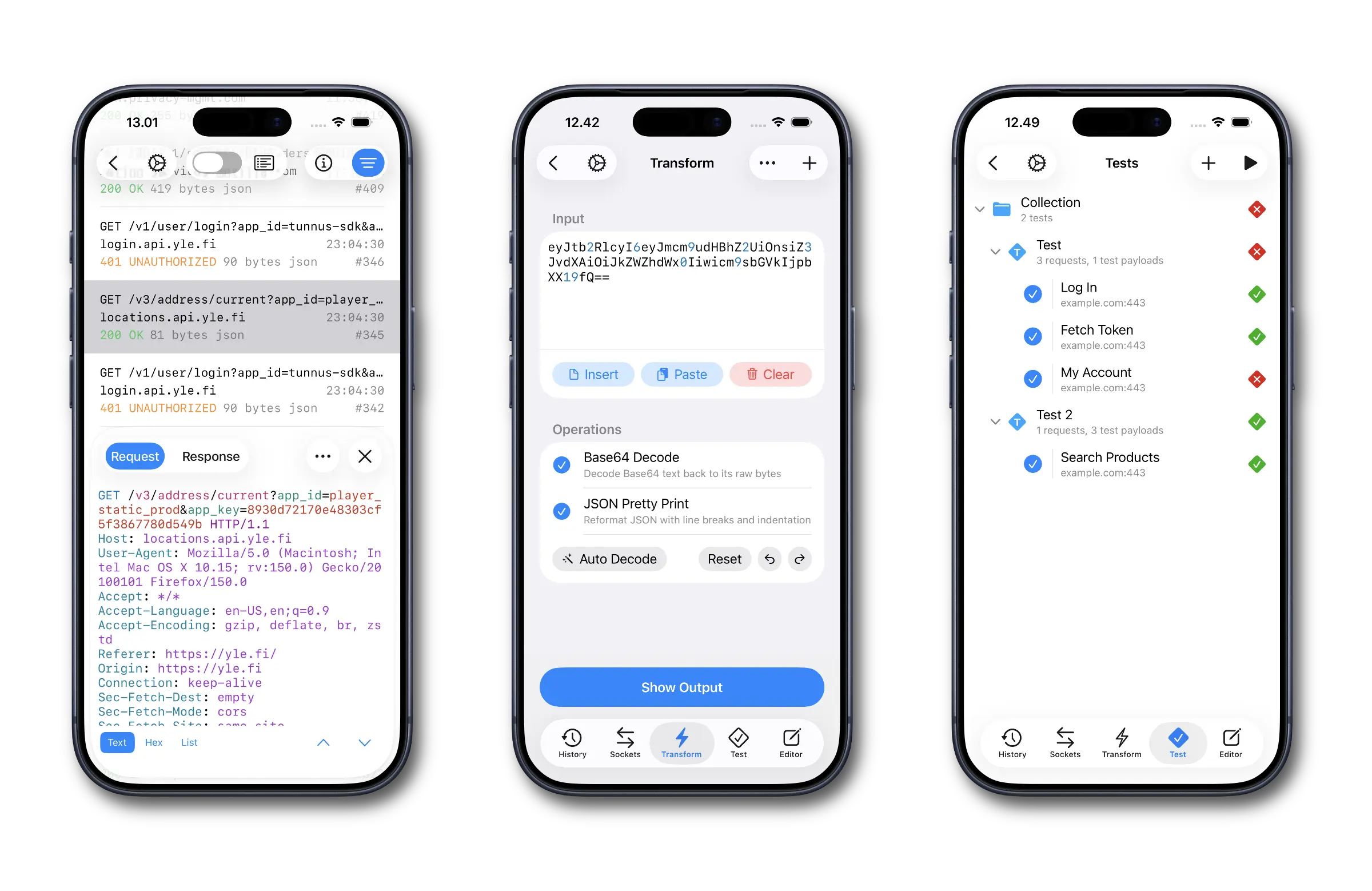
When you would rather work on a bigger screen, Send to Mac mirrors captured traffic to the Mac app in real time — you tap through your app on the device while the requests appear on your Mac, with no cable or proxy configuration in between. Mirroring toggles on and off from Control Center, and the iOS app can pair with multiple Macs.
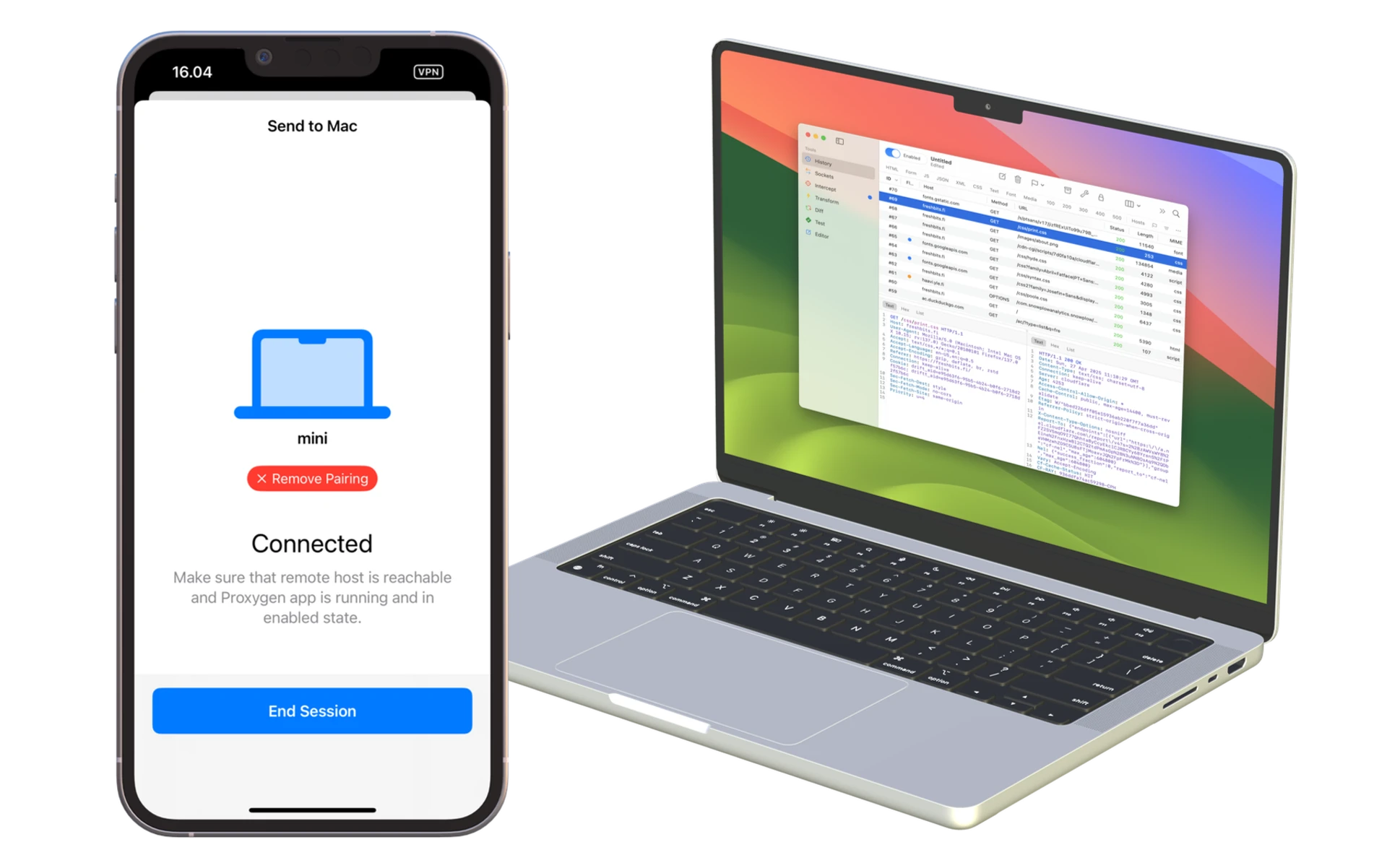
Both apps save their work to the same PGEN document format — message history, sockets, editors, tests, cookies and rewrite configurations all in one file that opens on either platform. Capture traffic on an iPhone, then continue with the same document on your Mac.

Built on an open-source foundation
Proxygen’s user interface is built with CocoaCompose, an open-source Cocoa UI framework developed alongside the app. The app itself is written in Swift using Apple’s native frameworks, with the proxy engine built on SwiftNIO.
Pricing
Both apps are sold as one-time purchases, with one difference:
- Proxyman licenses include one year of updates and renew yearly after that.
- Proxygen licenses include updates with no renewal fee.
One factual note in the other direction: Proxyman also runs on Windows and Linux and has an Android app. Proxygen is built for Apple platforms only — Mac, iPhone and iPad.
Try it out
The free, fully featured trial lets you try out all of the app’s features before buying. Download Proxygen, import an existing Proxyman session, and see how the tools fit the work you already do. Full documentation is available at proxygen.app/docs.