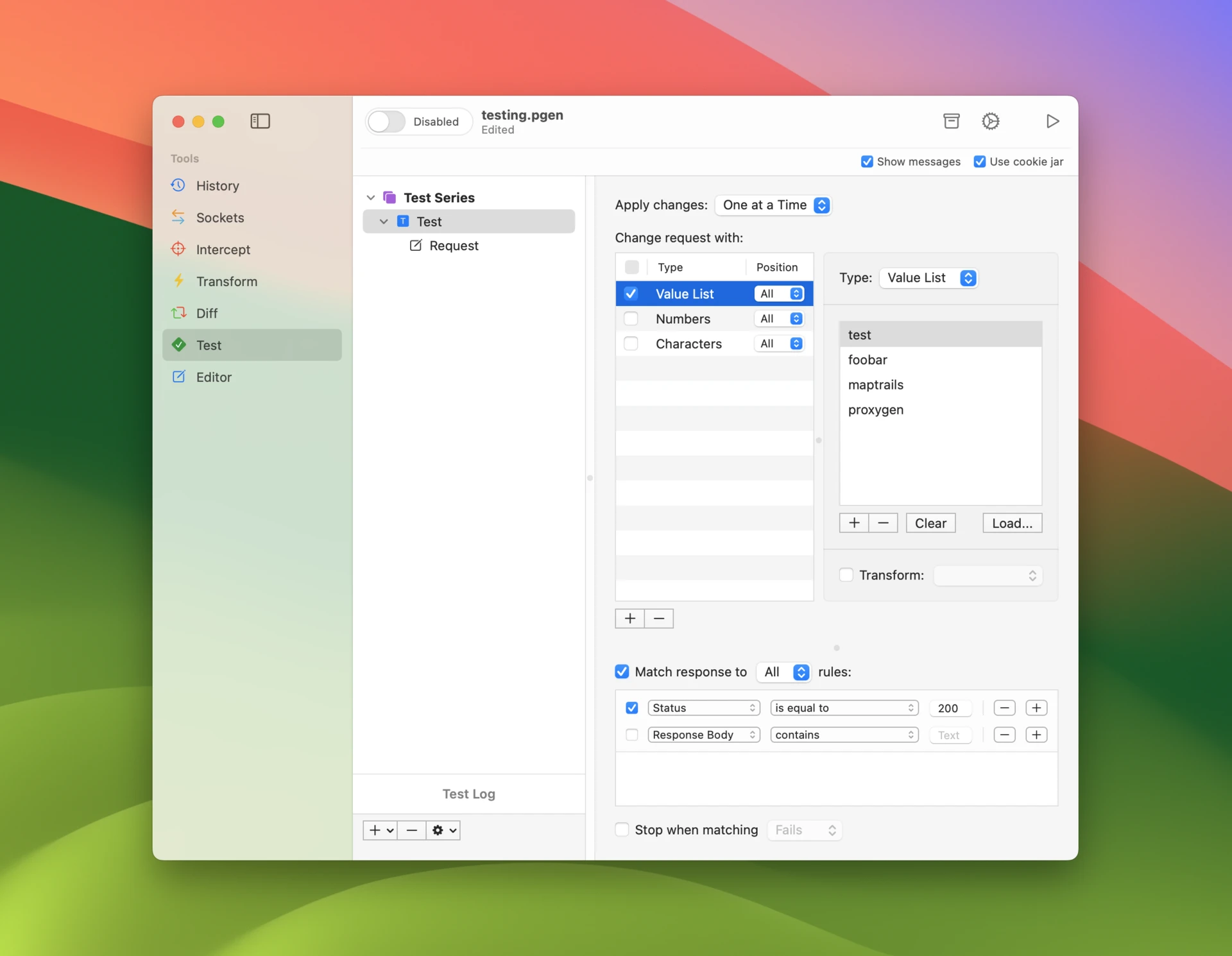
Fiddler has been the default web debugging proxy on Windows for two decades, but it never found a real home on the Mac. Fiddler Classic remains Windows-only, and Fiddler Everywhere — the cross-platform successor — is an Electron-era rewrite sold as a per-user subscription that keeps working only while you keep paying.
Proxygen is a Fiddler alternative for Mac, built natively for Apple platforms and licensed as a one-time purchase. It is a Swift app for Mac, iPhone and iPad around a TLS manipulator-in-the-middle proxy that captures and decrypts HTTPS traffic. If Fiddler shaped your debugging habits, this article shows where each of them lands in Proxygen.
Your Fiddler habits, translated
Fiddler’s workflow — watch the session list fill up, filter it down, set a breakpoint, tamper with a request — carries over almost one to one:
| In Fiddler | In Proxygen |
|---|---|
Breakpoints (bpu, bpafter) |
Intercept — a queue showing all caught requests and responses at once, to edit, forward or drop in any order |
| AutoResponder | Rewrites with the Respond action — serve a custom response without contacting the server |
| AutoResponder redirect rules | Rewrites with the Target override — send matching requests to a different host, port or scheme |
AutoResponder *drop |
Rewrites with the Drop action |
| Composer | Editor — build, edit and replay requests, with a history of every attempt |
| Filters tab | History filter rules and flags — match host, path, method, status, content type and more |
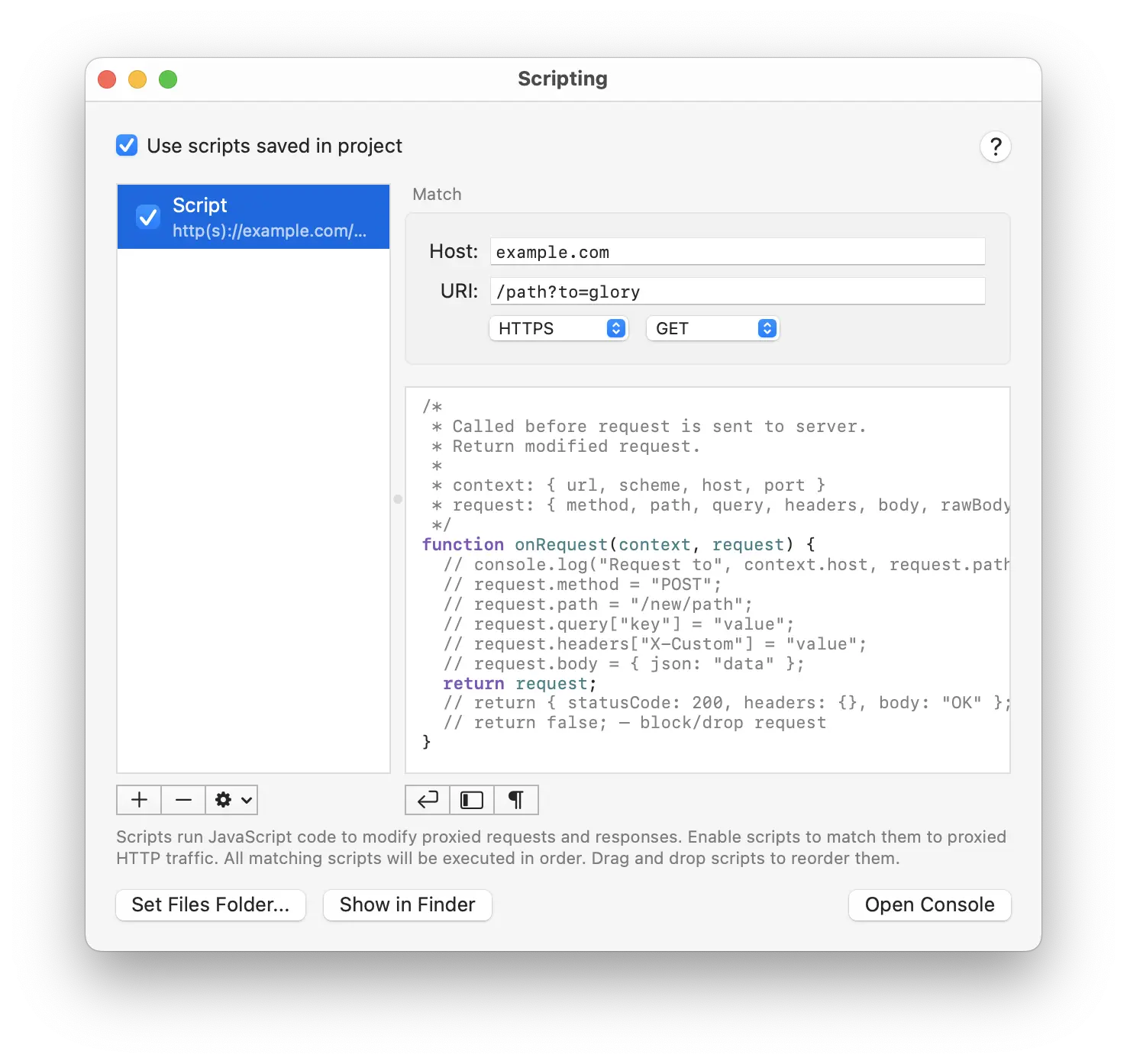
| FiddlerScript | Scripting — JavaScript onRequest and onResponse callbacks with per-host and per-URI matching |
| Inspectors | Message viewers with text, JSON, hex and other display modes |
| WebSocket tab | Sockets — WebSocket and SSE channels as a dedicated tool |
| Sessions and archives | PGEN project documents with automatic saves |
Rules with and without code
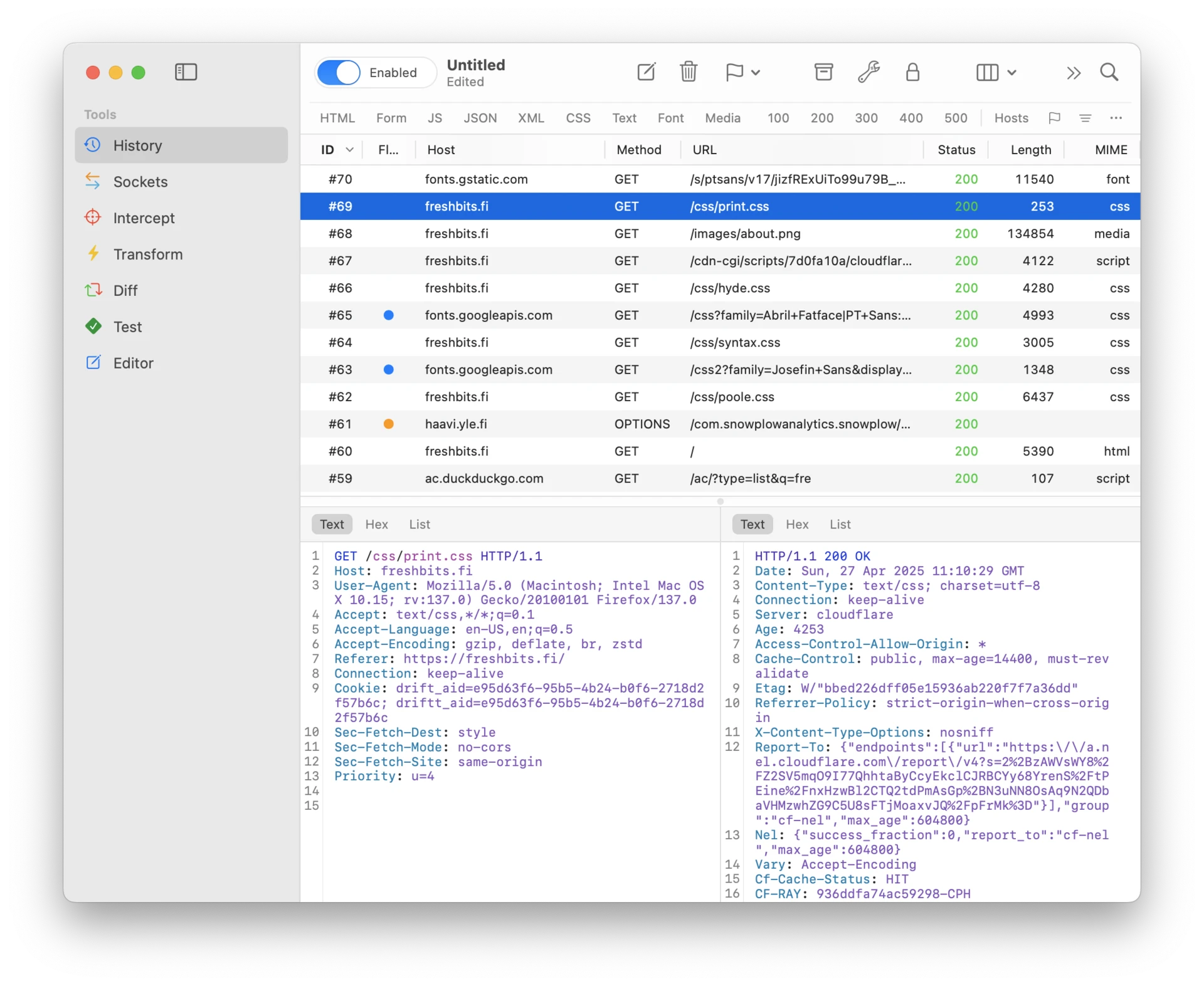
Fiddler splits its automation between AutoResponder rules and FiddlerScript. Proxygen draws the same line: Rewrites are declarative rules — matched by host, URI, client app, scheme and method — that edit headers, bodies and targets, respond, drop, or set flags, with {{variable}} placeholders resolved at send time. When a rule isn’t expressive enough, Scripting gives you JavaScript callbacks over the same traffic. If you have ever ported a FiddlerScript snippet between machines, note that rules can be saved either globally in the app or inside a project document that travels with your capture.
Moving your sessions over
Proxygen does not read Fiddler’s .saz archives directly, but both Fiddler Classic and Fiddler Everywhere export sessions to HTTP Archive (.har) — and Proxygen opens HAR files natively, alongside Charles, Proxyman and mitmproxy session formats. The formats and options are covered in Import and Export. Existing captures survive the switch.
Beyond the Fiddler feature set
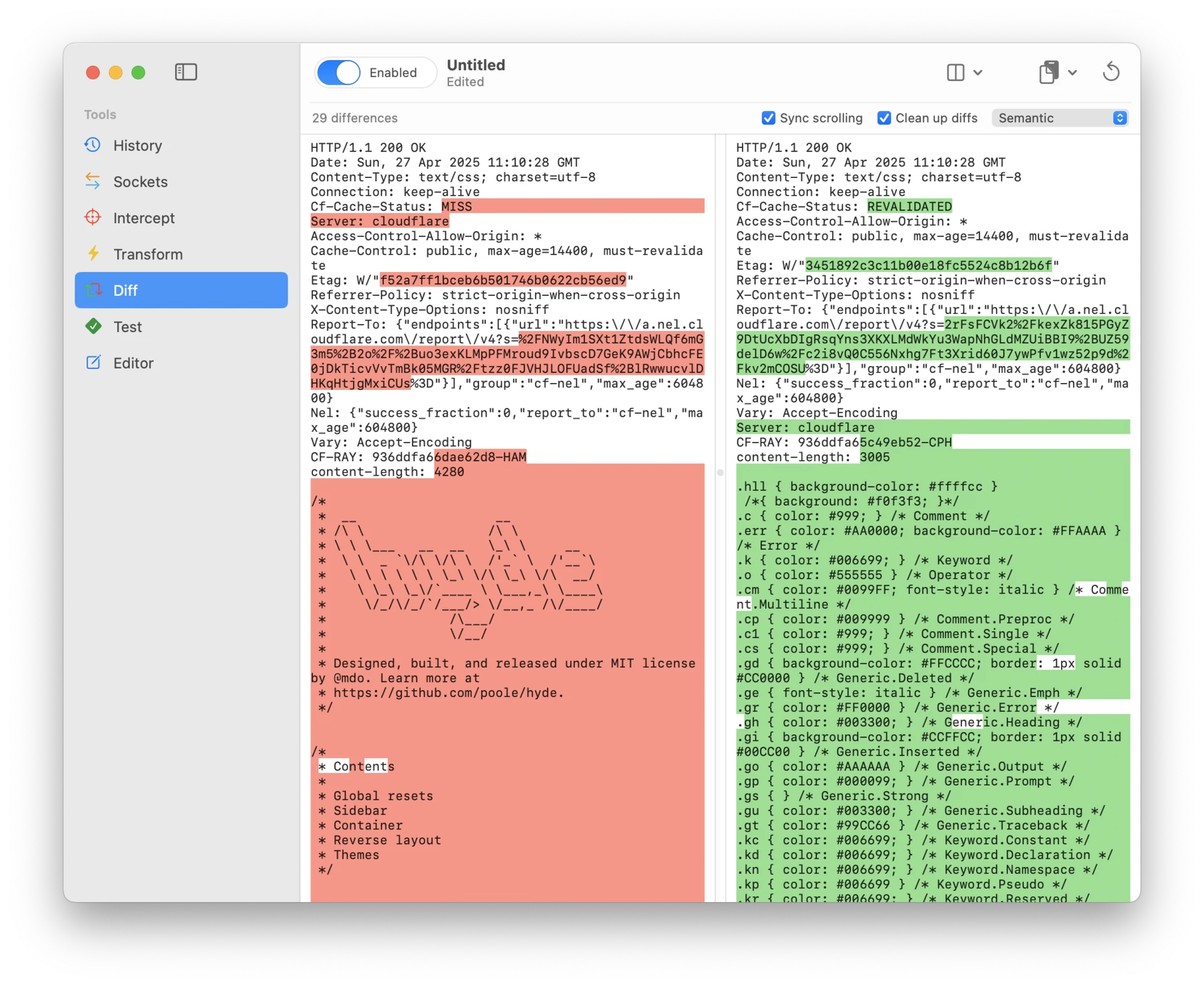
Some Proxygen tools have no Fiddler counterpart to map from: Graph draws captured traffic as a map of apps, hosts and connections; Diff compares any two requests or responses side by side — the tool you want when one request works and its near-identical twin doesn’t; Test runs request collections with assertions against your API; and Transform decodes layered encodings, compression and protobuf straight from captured messages.
And it fits in your pocket
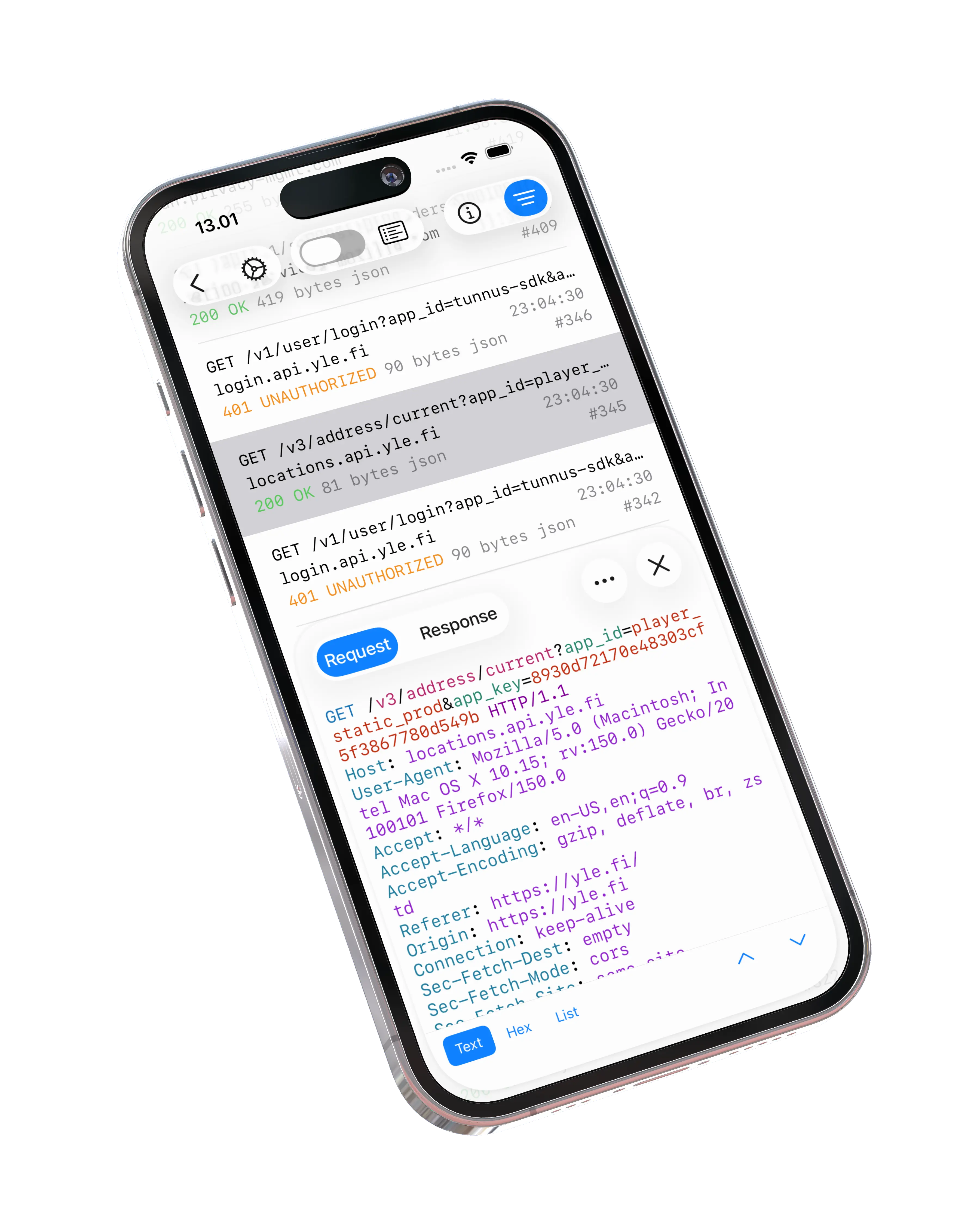
Fiddler has no presence on iOS — inspecting iPhone traffic with it means proxying the device through a desktop. Proxygen’s iOS app runs the proxy on the device itself and carries the full toolset with it, then mirrors traffic to the Mac app in real time when you want the bigger screen. The setup is walked through in How to Inspect HTTPS Traffic on iPhone.

Subscription vs. one-time purchase
Fiddler Everywhere is subscription-only: at the time of writing, plans run from $7 to $37 per user per month billed annually, renew automatically, and access ends when the subscription does. A Proxygen license is a one-time purchase that includes updates, with no renewal and no paid upgrades.
In fairness the other way: Fiddler Everywhere also runs on Windows and Linux, and Fiddler Classic is free if Windows is where you work. Proxygen is built for Mac, iPhone and iPad only — that focus is where its native feel comes from.
Try it out
The free trial is fully featured. Download Proxygen, export a HAR from Fiddler and open it, and see how the workflow you already know feels as a native Mac app. Full documentation is at proxygen.app/docs.