mitmproxy is a favorite tool for inspecting HTTP traffic — free, open source and endlessly scriptable. But capturing traffic from an iPhone with it takes a computer: you run the proxy there, point the device’s Wi-Fi proxy settings at it, and install the certificate from mitm.it.
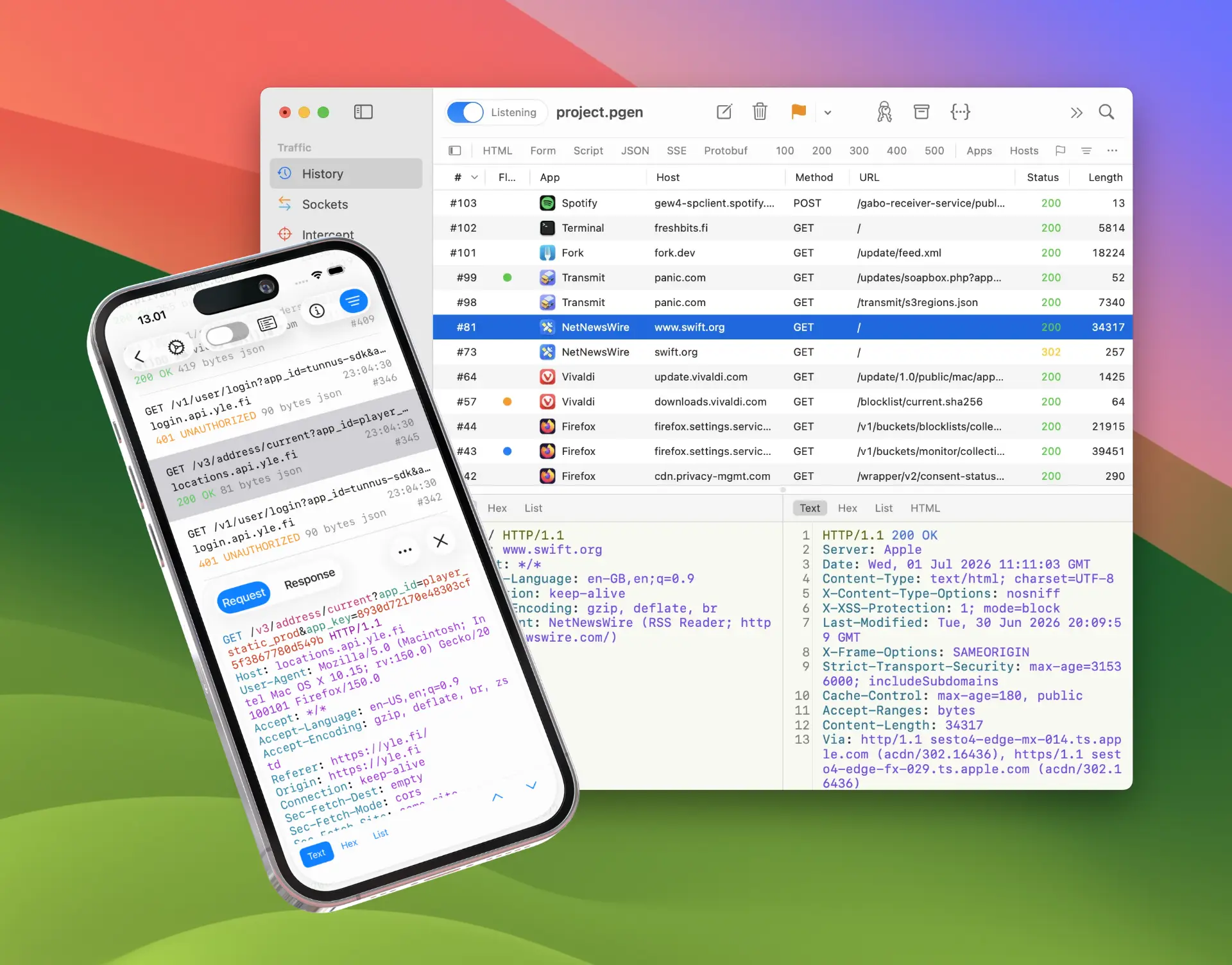
Proxygen is a native HTTP debugging proxy for Mac, iPhone and iPad — a TLS manipulator-in-the-middle proxy that captures and decrypts HTTPS traffic on the device itself, sold as a one-time purchase.
Capture traffic on the device itself
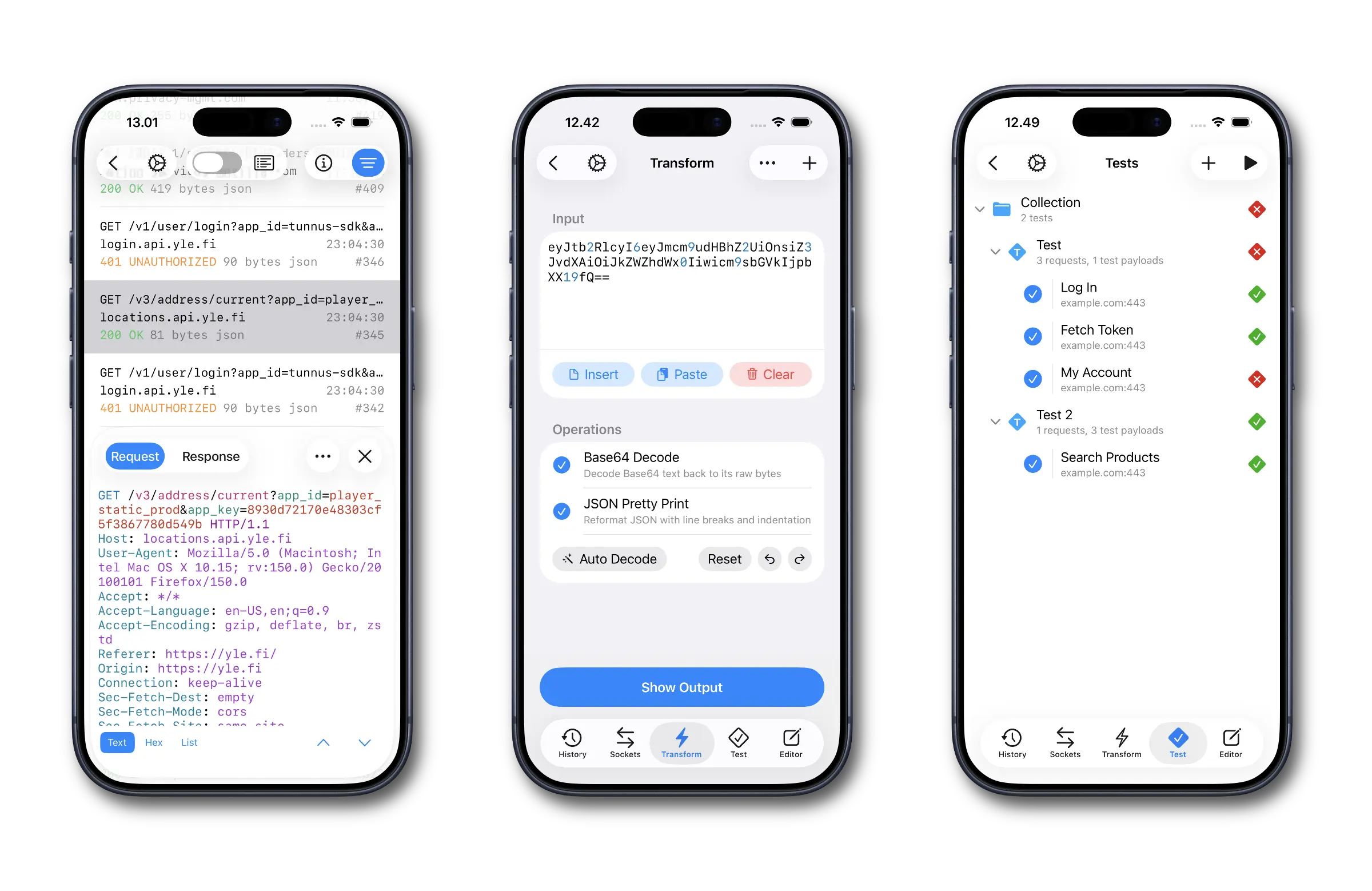
Proxygen’s iOS app runs the proxy in the background while you use the app you are debugging — no computer, no Wi-Fi proxy settings pointing elsewhere. Captured traffic lands in History and Sockets tools, and you can use Editor, Transform and Test tools to track down and resolve bugs on the go, entirely on the iPhone where the app runs. Setup takes a few minutes — see How to Inspect HTTPS Traffic on iPhone for the walkthrough.

Map a familiar workflow
If you know mitmproxy, the concepts carry over directly:
| In mitmproxy | In Proxygen |
|---|---|
| Intercepting flows | Intercept — a queue that shows all captured requests and responses at once, so you can edit, forward or drop them in any order |
| Python addons | Scripting — JavaScript onRequest and onResponse callbacks with per-host and per-URI matching |
map_local |
Rewrites with the Respond action — answer matching requests with a custom response without contacting the server |
map_remote |
Rewrites with the Target override — redirect matching requests to another host, port or scheme |
| Client replay | Editor — build, edit and replay requests, with full message history |
mitmweb |
Native Mac and iOS apps |
| Saved flows | PGEN project documents — and .mitm files open directly in Proxygen |
Open existing dump files
Proxygen opens Mitmproxy Dump (.mitm) files directly — capture flows with mitmdump on a server, then dig into them in Proxygen on your Mac, iPhone or iPad. It also imports and exports these file formats:
- HTTP Archive (.har) files used by web browser developer tools and many other apps
- Charles Session (.chlz) and Charles JSON Summary (.chlsj) files used by Charles Proxy
- Proxyman Session (.proxymansessionv2) files used by Proxyman
The details are covered in Import and Export.
Work on the big screen
When a Mac is nearby, Send to Mac mirrors captured traffic from the iOS app to the Mac app in real time — you tap through your target app on the device while the requests appear on your Mac. Mirroring toggles on and off from Control Center, and the iOS app can pair with multiple Macs.
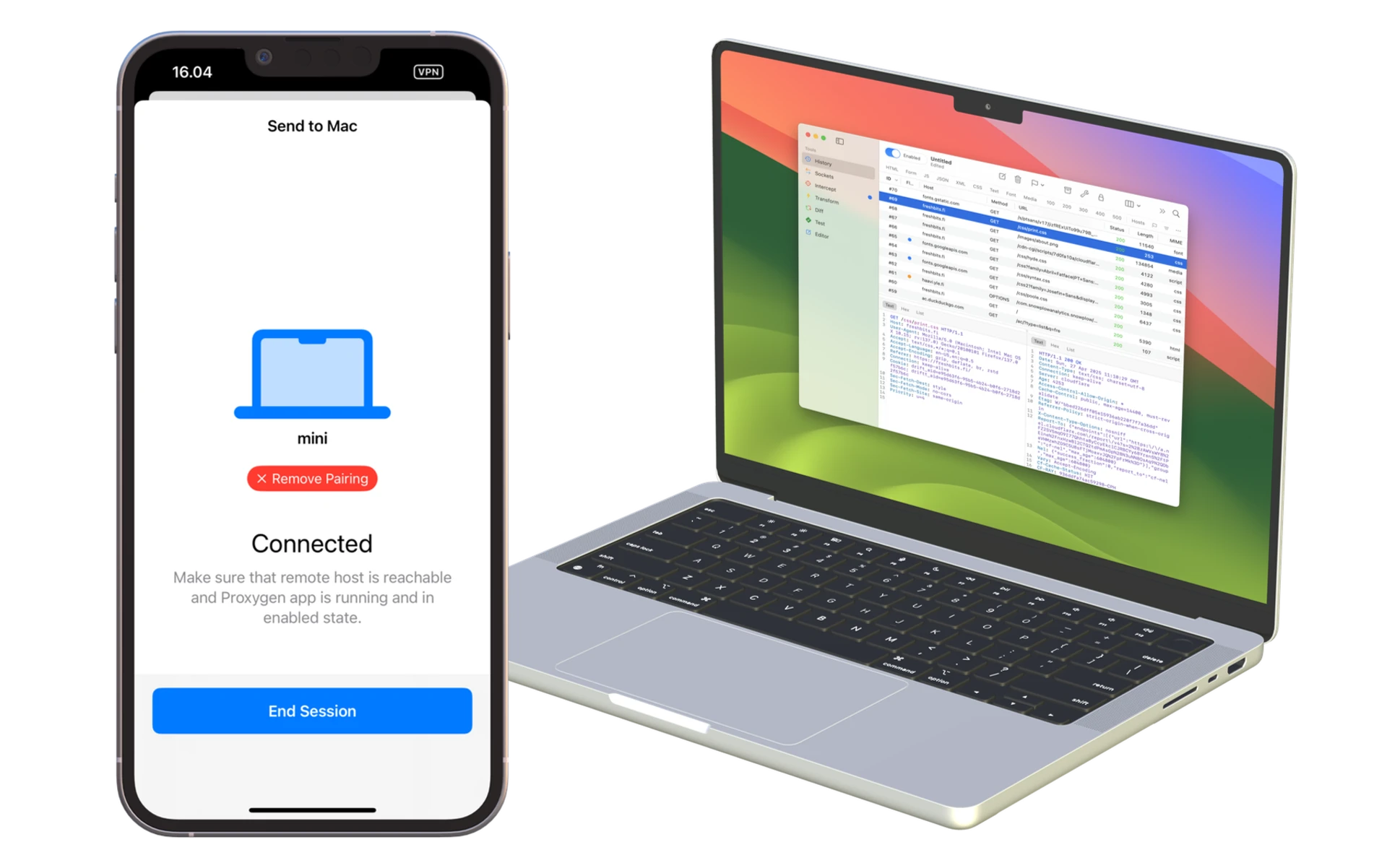
Both apps save their work to the same PGEN document format, so a capture that starts on an iPhone can be opened and continued in the Mac app.
Decode request and response data
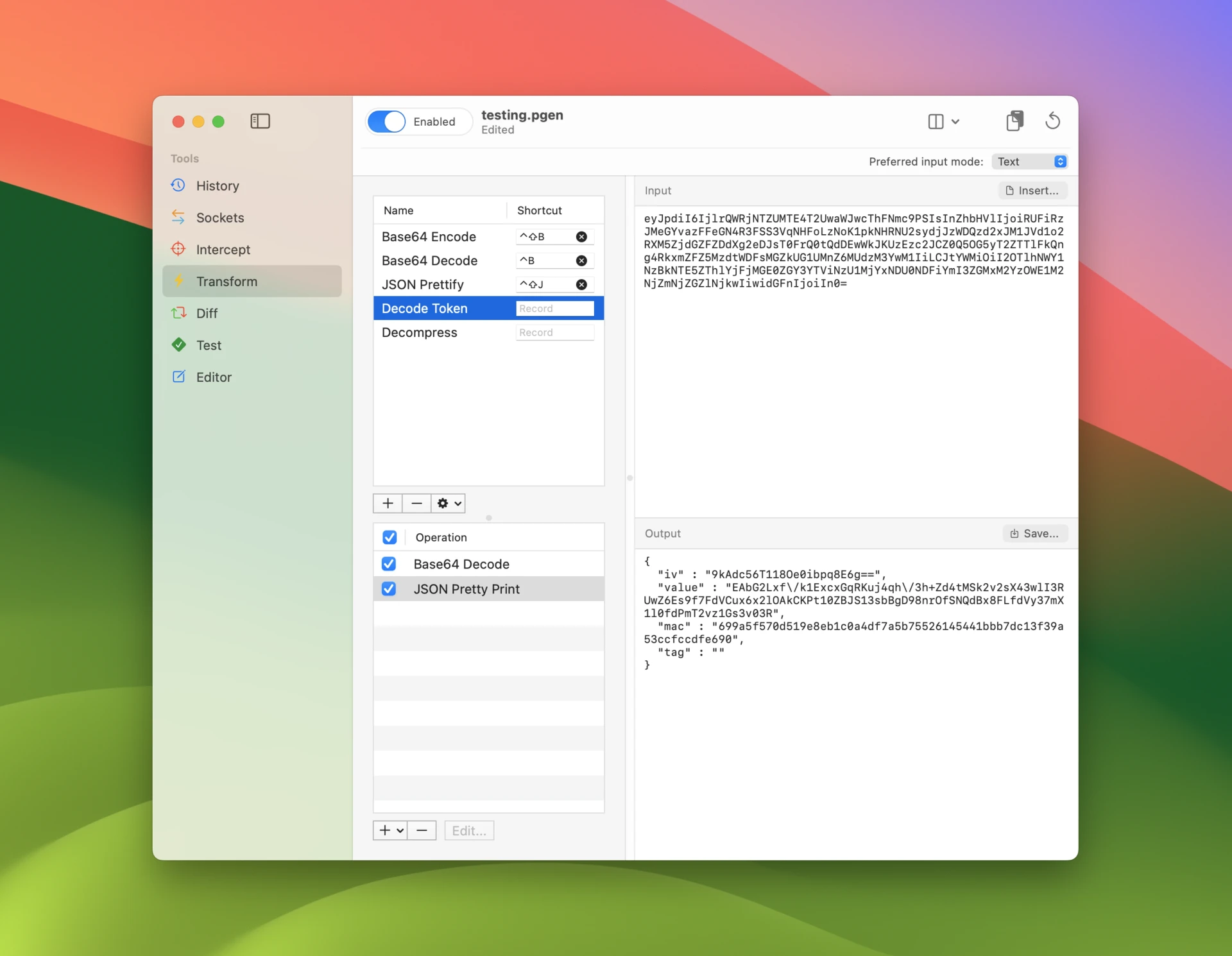
The Transform tool chains operations — encodings, hashing, encryption, compression, protobuf and other binary decoders — into recipes you apply to data straight from a captured message, much like CyberChef but built right into the proxy.
Auto decode detects and unwraps layered encodings automatically, so a Base64-wrapped, gzipped JSON payload opens in one step.
When the command line fits better
mitmproxy remains the right tool for plenty of jobs: it is free and open source, runs on Linux servers, offers reverse and transparent proxy modes, and its Python addon ecosystem is unmatched for automation. Proxygen is built for Apple platforms and focuses on interactive debugging in a native UI. The two also work well together — capture with mitmdump wherever it runs, and open the dump file in Proxygen.
Pricing
mitmproxy is free and open source. Proxygen is a one-time purchase with no subscription and no renewal fees, and its free trial is fully featured.
Try it out
Download Proxygen, open a .mitm dump file or capture live traffic, and see how the workflow feels. Full documentation is available at proxygen.app/docs.