Client Certificates
Connect to servers using mTLS.
Some remote servers may require mutual TLS authentication (mTLS), which means that the client checks the authenticity of the server using its TLS certificate and trust chain, but also the client presents a TLS certificate to the server. This way the server can ensure only authorized clients connect to it.
If you are proxying TLS connections from clients that authenticate to the server this way, Proxygen needs to use a client certificate to successfully connect to the remote server.
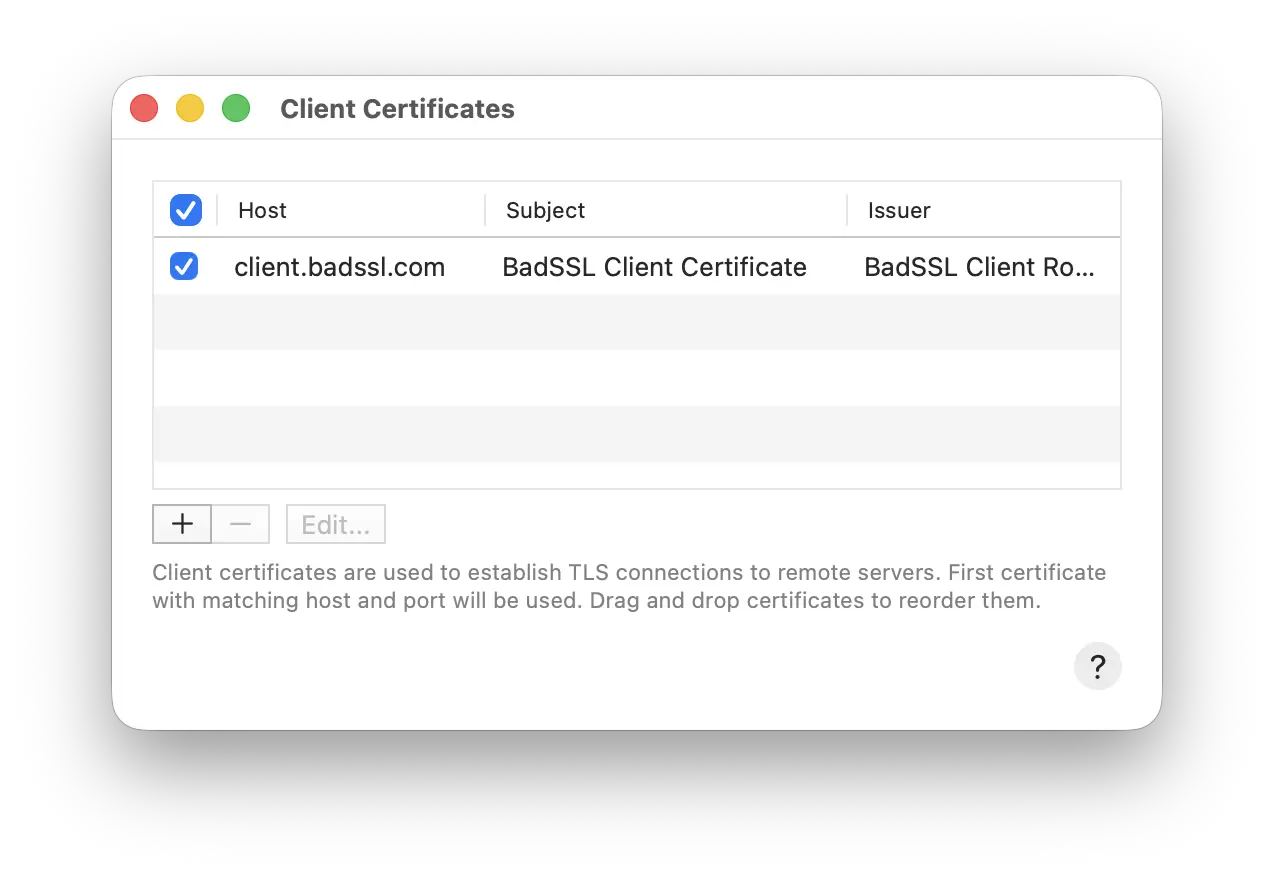
Configure host and port to define which remote hosts each certificate will be used to connect to. Leave port field empty to allow any port, or define a port number such as 8443 to only use the client certificate for connections to that port.
Select a PKCS#12 bundle file that contains a certificate and private key to use as client certificate to connect to remote servers. Enter the password for that PKCS#12 file. It will be imported Application Support folder in Proxygen app container for later use.
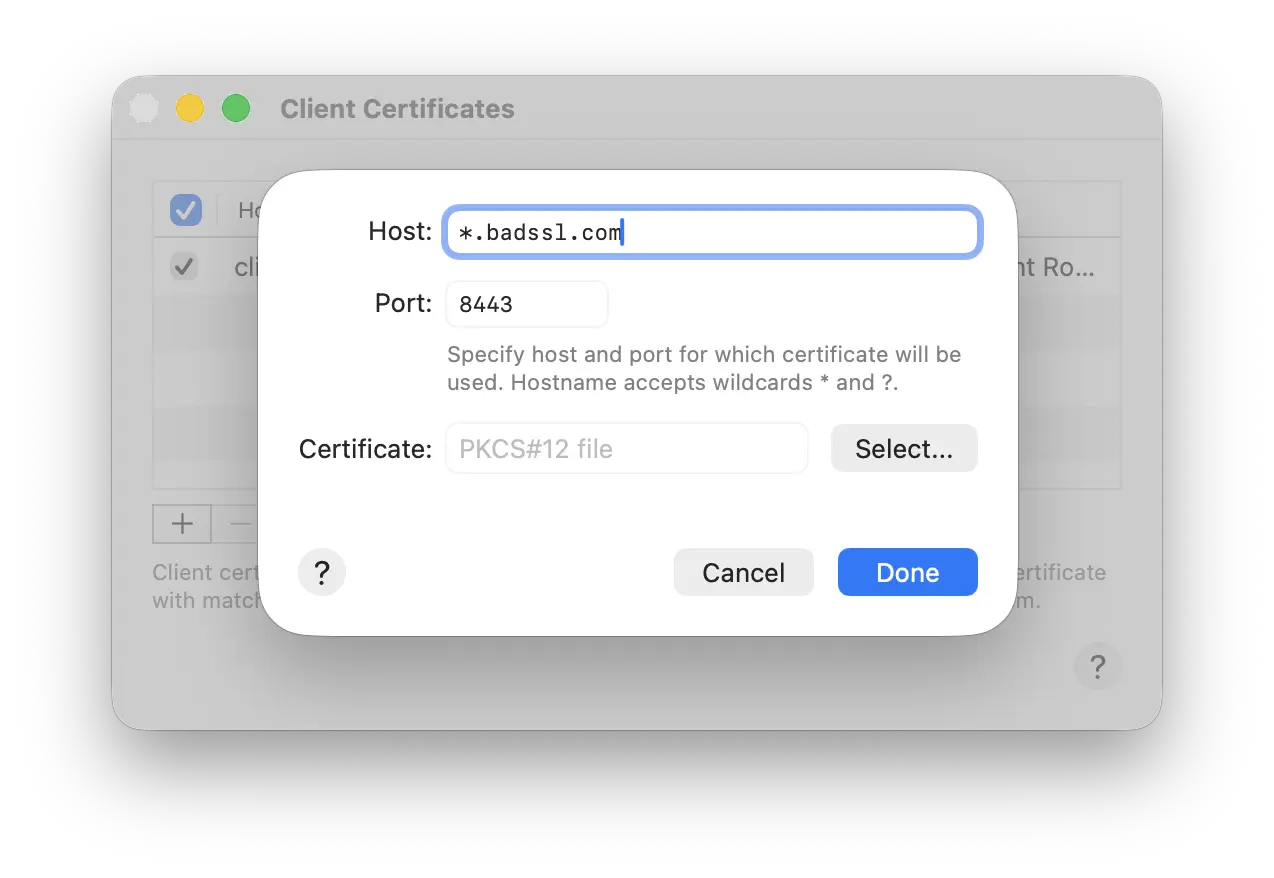
You can use wildcards in you hostnames, for example:
*matches to any hostname*.example.commatches to any subdomain of example.com?.example.commatches to any one letter subdomain of example.com
Note that the first matching client certificate will be used to authenticate to the remote server. Enable or disable client certificates using the checkbox. Drag to reorder certificates in the list.